
BBMA Oma Ally OmniView MultiView indicator for MetaTrader 4 – FREE Download
$0.00
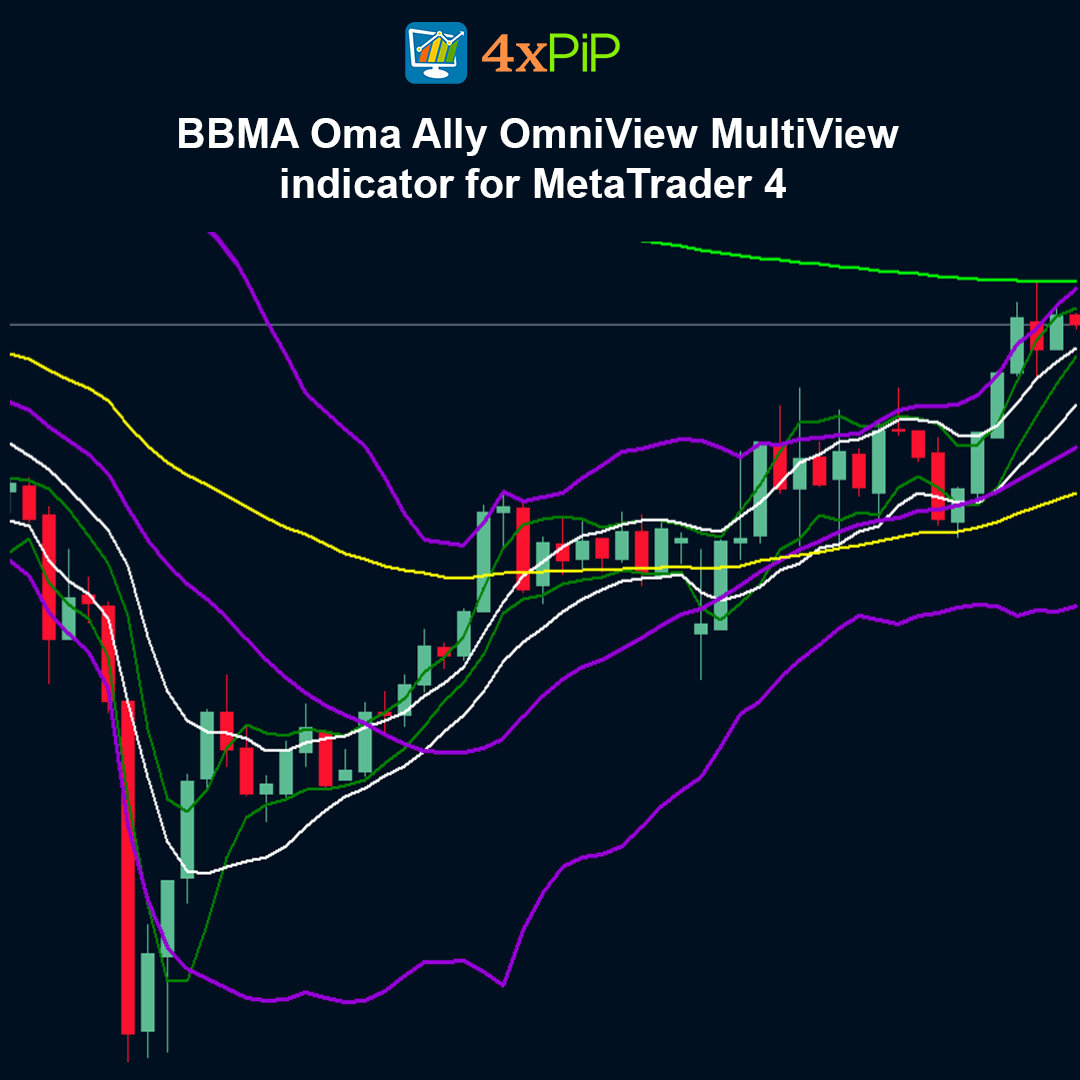
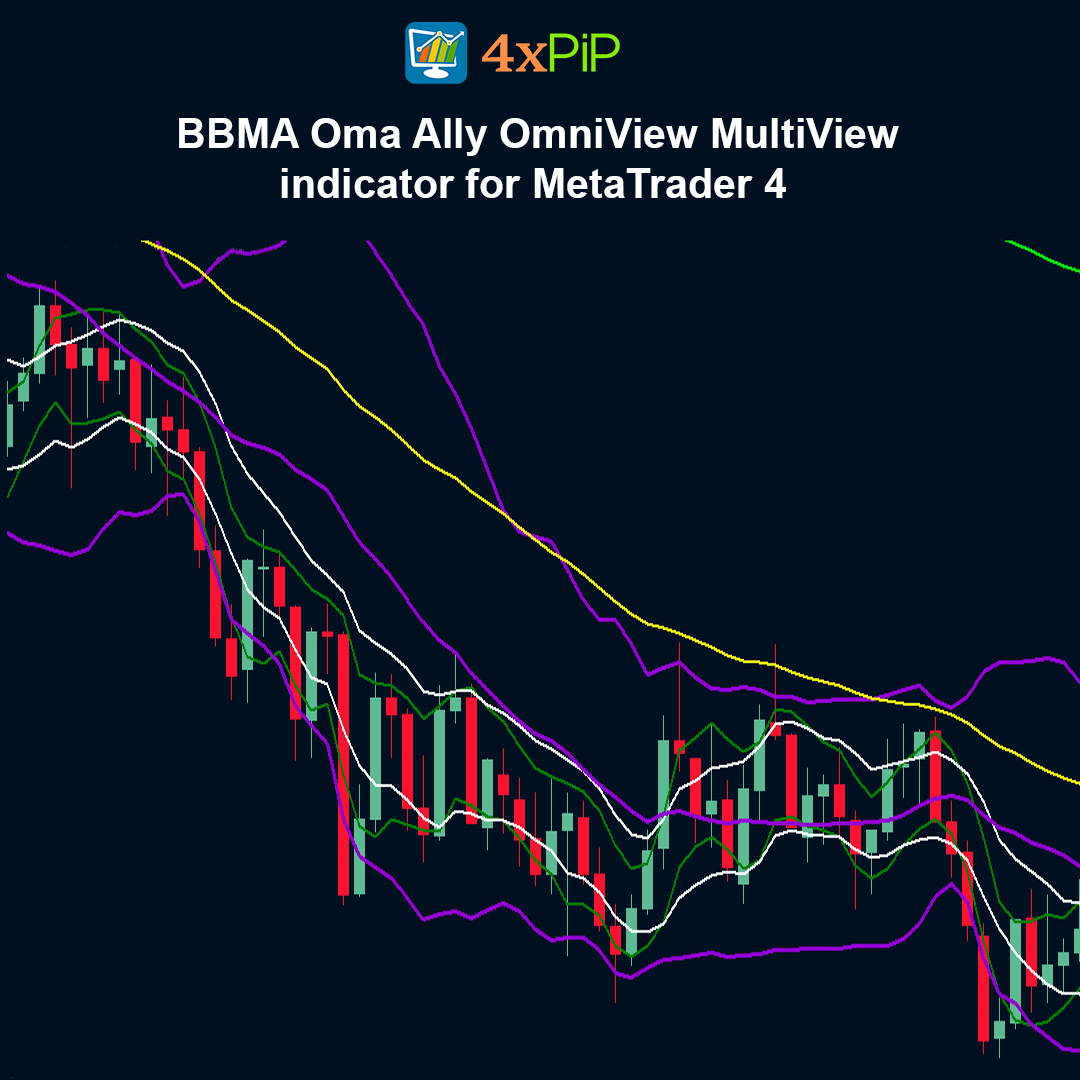
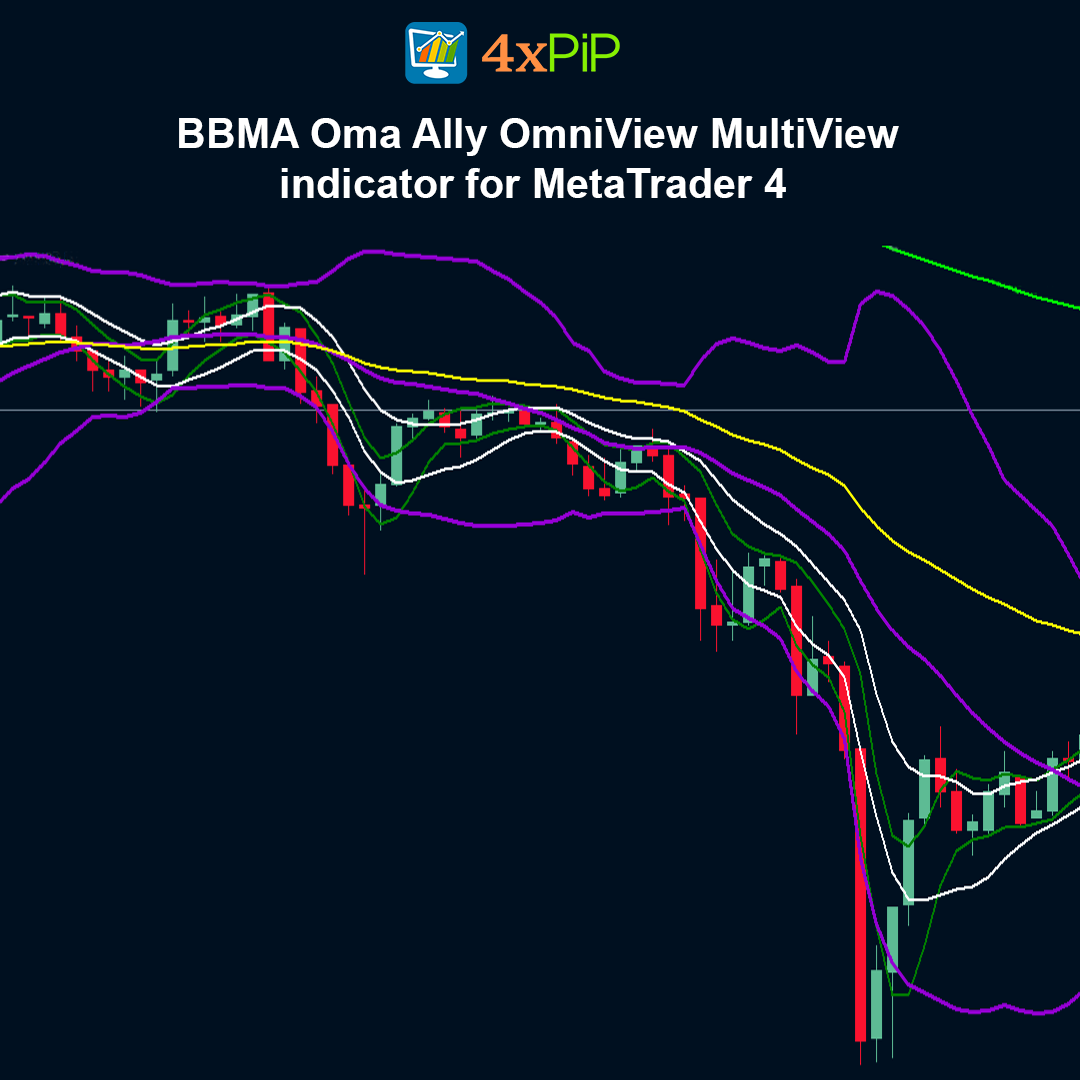
BBMA Oma Ally OmniView MultiView is a powerful free indicator designed for traders who follow the BBMA (Bollinger Bands + Moving Averages) strategy developed by Ali Oma. It provides a complete multi-timeframe overview of Extreme, MHV, Re-Entry, CSA/CSAK, Momentum, and ZeroLoss zones directly on the MT4 chart.
This indicator acts as an all-in-one BBMA dashboard, helping traders identify high-probability setups with structured signal confirmation.
Description
What is the BBMA Oma Ally OmniView MultiView Indicator?
The BBMA Oma Ally OmniView MultiView Indicator is a comprehensive technical analysis tool designed specifically around the BBMA trading methodology. Unlike traditional indicators that provide isolated signals, this indicator integrates multiple BBMA components—including Bollinger Bands, short-term Moving Averages (MA 5/10 High & Low), and EMA 50—into a single, synchronized system. It helps traders identify structured market cycles such as Expansion, Extreme, Correction, MHV, Re-Entry, and Continuation, providing a complete view of market behavior. By visually displaying these signals in an organized manner, the indicator simplifies decision-making, eliminates the need to manually interpret raw BB and MA interactions, and enhances the overall efficiency of trading strategies.
What is the purpose of the MultiView feature?
The MultiView feature is one of the key enhancements of the OmniView version of the BBMA indicator. It allows traders to monitor multiple timeframes simultaneously, providing a clear picture of how trends on higher timeframes align with those on lower timeframes. This alignment is crucial because many trading mistakes occur when lower timeframe trades go against the broader trend. By visually confirming that higher timeframe trends support potential entries on smaller timeframes, the MultiView feature significantly increases the probability of successful trades and reduces the risk of false signals. It’s especially useful for traders who want to combine scalping, intraday, and swing strategies while maintaining alignment with institutional price movements.
What are the main signals provided by the indicator?
The BBMA OmniView MultiView Indicator provides a wide range of trading signals that cover trend direction, momentum, and risk management. Extreme Zones indicate when the price has pushed beyond the Bollinger Bands, signaling potential exhaustion and a corrective move. MHV, or Market Has No Volume, identifies consolidation near the MA 5/10 lines, which often precedes strong directional movements. Re-Entry signals confirm trend continuation after a pullback, helping traders join the main trend with higher confidence. CSA (Candlestick Arah) and CSAK (Candlestick Arah Kukuh) candles highlight directional and strong momentum moves respectively, while Momentum Breakouts indicate rapid continuation of trends. Finally, ZeroLoss Zones are structured areas designed to manage risk effectively, showing traders where safer entries can be taken according to the BBMA methodology.
On which markets and timeframes can the indicator be used?
The BBMA OmniView MultiView Indicator is highly versatile and can be applied across a wide range of markets and trading styles. It works effectively on all major and minor currency pairs, gold, and indices, making it suitable for Forex, commodities, and stock index traders. Additionally, it supports all timeframes, from very short-term charts like M5 for scalping strategies to longer-term charts like H4 or D1 for swing trading. This adaptability allows traders to use the same tool for multiple strategies, maintaining consistency across different trading approaches while taking advantage of the indicator’s multi-timeframe analysis, trend identification, and risk management features.
Advantages
- 100% Free to use
- Complete BBMA system in one indicator
- Multi-timeframe confirmation
- Clear and structured signal labels
- Reduces signal confusion
- EA-compatible buffers
- Suitable for all trading styles
- Works on all MT4 brokers
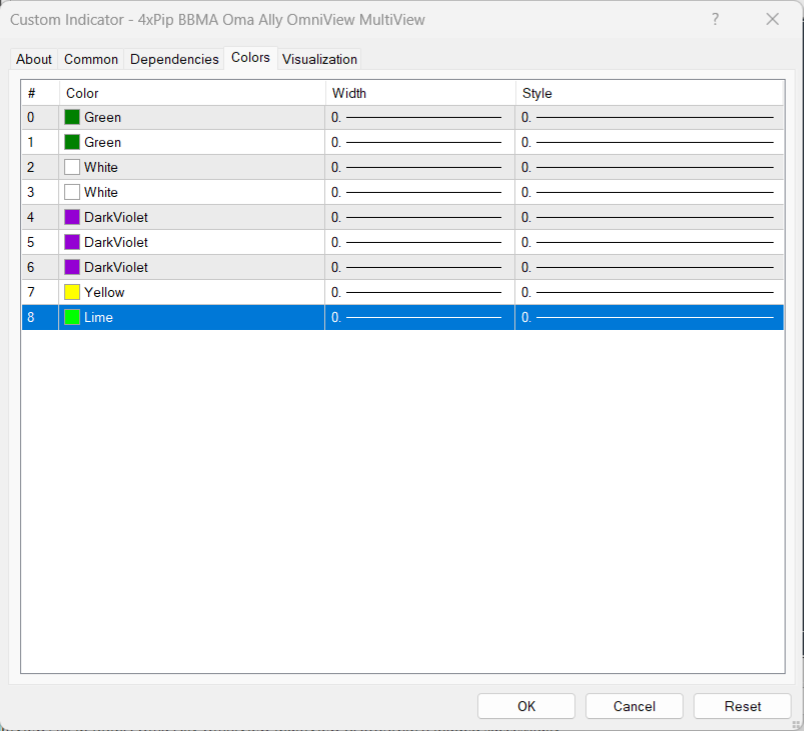
- Customizable visual and alert settings
- Built on proven BBMA methodology
Features
- Bollinger Bands calculation
- MA 5/10 High & Low integration
- EMA 50 trend filter
- Extreme signal detection
- MHV identification
- Re-Entry signal labeling
- CSA & CSAK candle detection
- Momentum breakout alerts
- ZeroLoss trading zones
- Multi-timeframe dashboard display
How to Trade
To trade using the BBMA Oma Ally OmniView MultiView Indicator, start by identifying the trend using EMA 50 and higher timeframe CSAK candles to determine the market direction. Next, wait for an Extreme, allowing price to touch or break outside the Bollinger Bands, signaling potential exhaustion. Then, confirm MHV (Market Has No Volume) by observing consolidation near the MA 5/10 lines inside the bands, indicating the market is preparing for a move. Enter the trade on Re-Entry when price shows confirmation of trend continuation through CSA or CSAK candles, and manage your position by gradually securing profits and trailing stop-losses within the ZeroLoss Zones to control risk. For higher probability trades, ensure that signals are aligned across at least two timeframes before taking a position.
Formula
Bollinger Bands:
Middle Band = 20-period SMA
Upper Band = SMA + (2 × Standard Deviation)
Lower Band = SMA – (2 × Standard Deviation)
Moving Averages Used:
MA 5 High
MA 5 Low
MA 10 High
MA 10 Low
EMA 50
Signal logic is derived from price interaction between these moving averages and Bollinger Bands.
Conclusion
The BBMA Oma Ally OmniView MultiView Indicator is more than just a signal tool—it is a structured trading framework. By combining Extreme, MHV, Re-Entry, CSA/CSAK, and multi-timeframe confirmation, it helps traders build disciplined and high-probability trading plans.
For traders serious about implementing the BBMA methodology inside MetaTrader 4, this free indicator provides clarity, structure, and automation compatibility in one complete package.
DOWNLOAD NOW Reach Us on WhatsApp
 Fly Over to Telegram
 Drop Us an Email
Reviews
There are no reviews yet