
Session Daylight Gradient – Ambient Forex Session Overlay – MT5 Indicator
$0.00
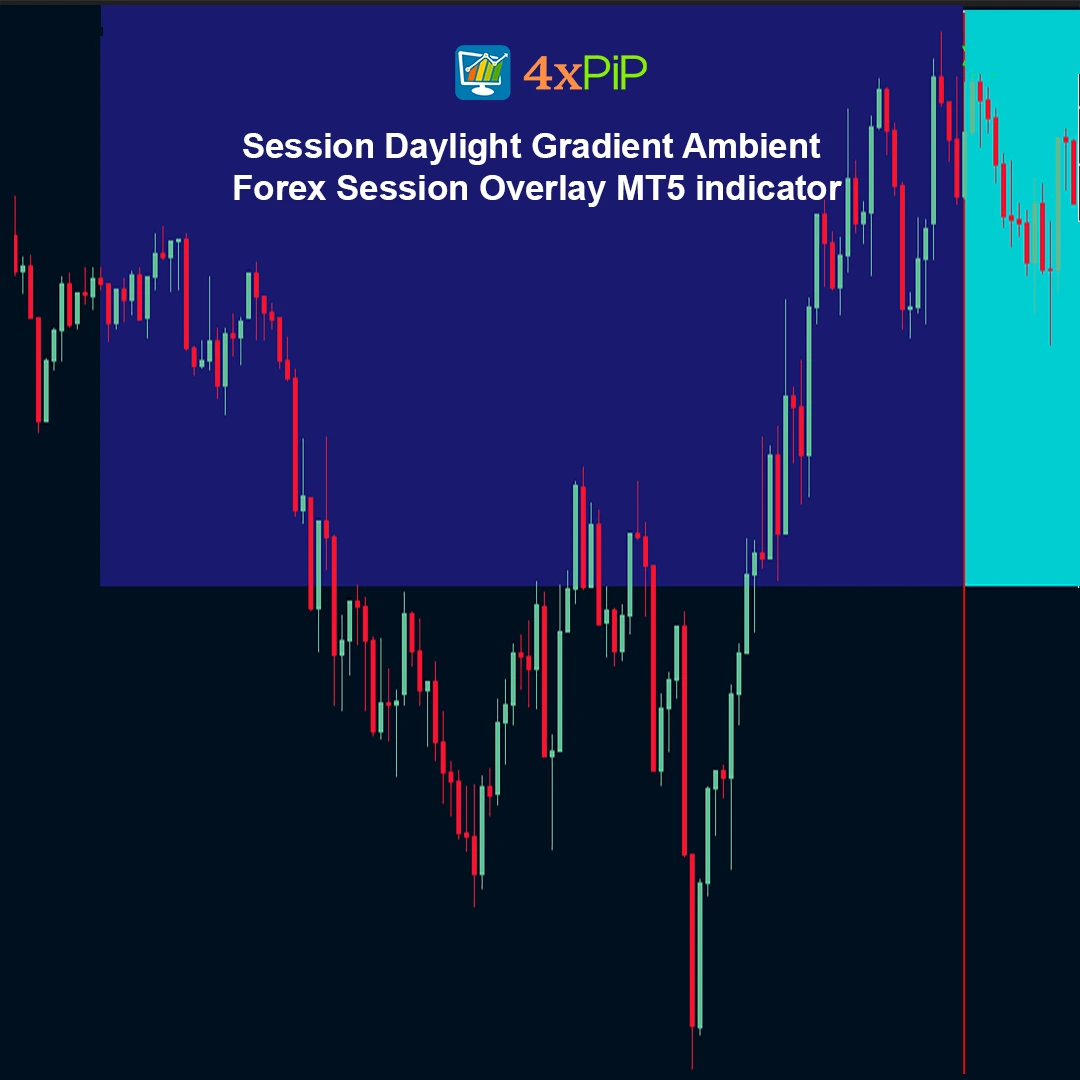
Session Daylight Gradient is a low-noise, ambient Forex session awareness indicator for MetaTrader 5. Instead of cluttering charts with heavy session boxes, it uses a smooth background color gradient to visually communicate market regimes—quiet hours, rising activity, peak volatility, and fade-out—at a single glance.
Description
What is Session Daylight Gradient – Ambient Forex Session Overlay for MT5?
The Session Daylight Gradient – Ambient Forex Session Overlay for MT5 is a visual trading indicator that helps traders stay aware of global Forex market sessions directly on their charts. Instead of using large boxes or distracting graphics, the indicator applies a soft background gradient that changes throughout the day. This allows traders to quickly recognize which trading session is active without interrupting price analysis. It is designed to maintain chart clarity while still providing useful context about market activity and session timing.
How does the gradient background help traders maintain session awareness?
The indicator uses a smooth color gradient in the chart background to represent the progression of trading sessions. Each session is associated with a unique color, and the gradient gradually transitions as one session ends and another begins. This subtle design allows traders to remain aware of the market’s current phase without cluttering the chart with shapes or labels. By simply glancing at the background, traders can understand when liquidity or volatility might increase or decrease during the trading day.
How does the indicator visually represent transitions between trading sessions?
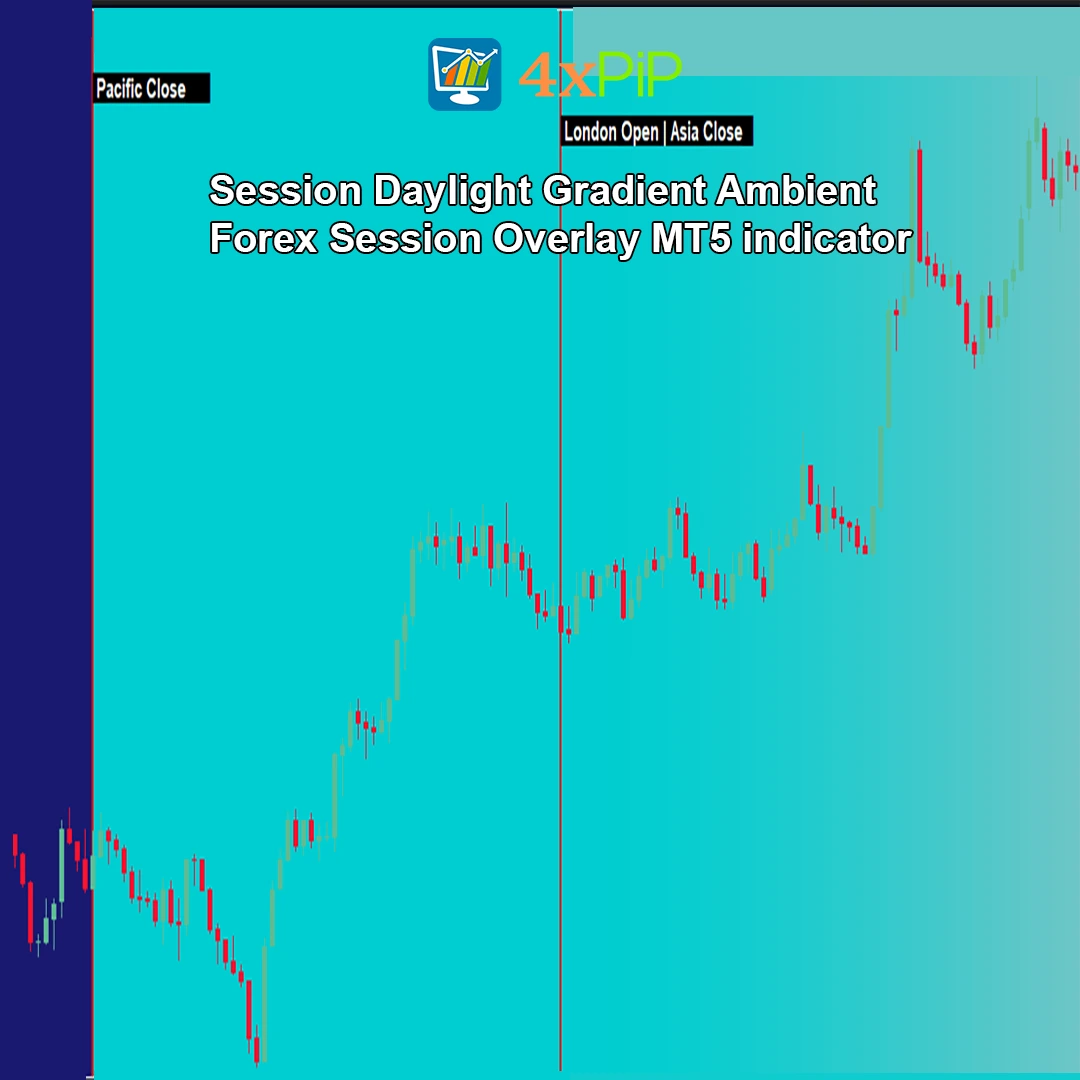
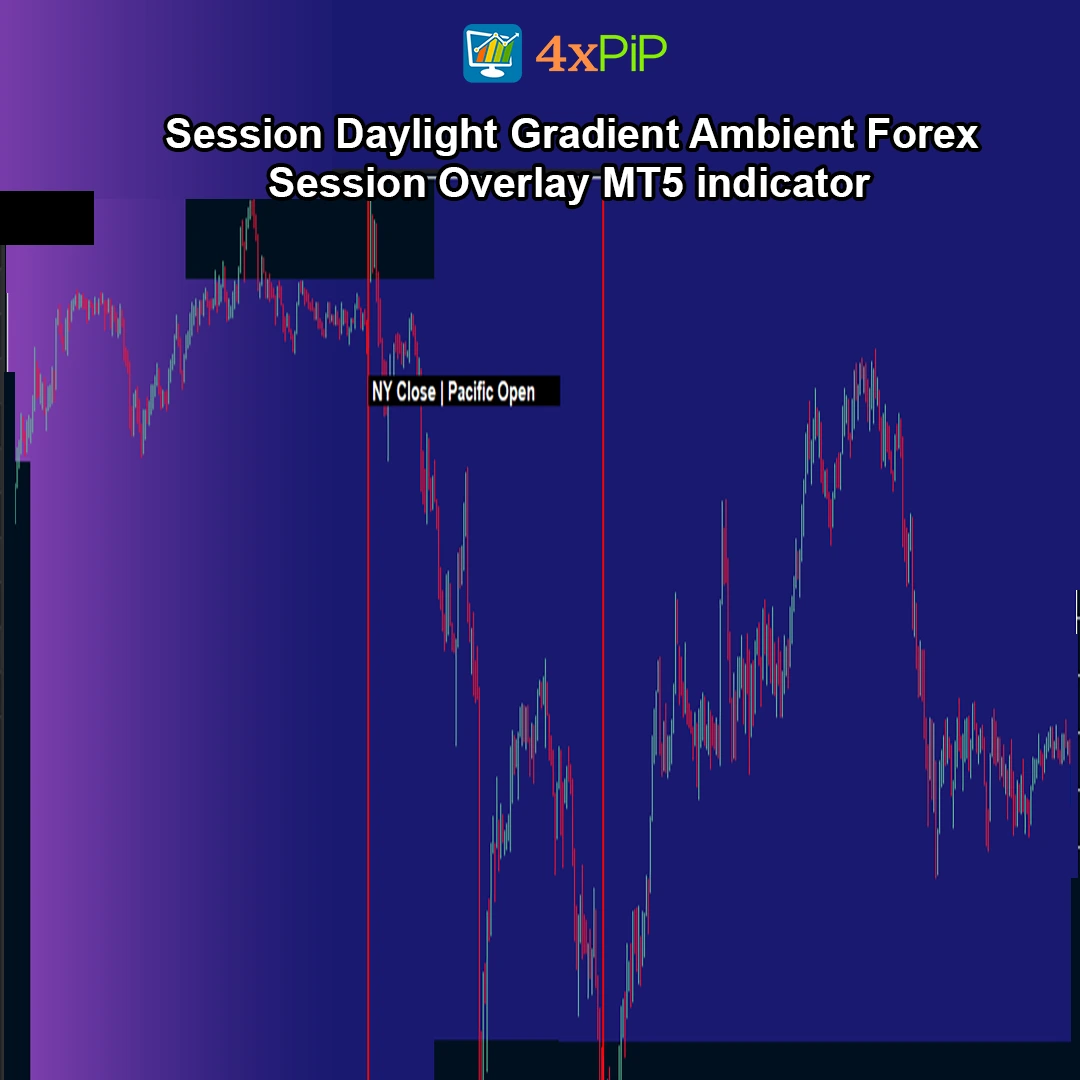
Instead of abruptly switching colors, the indicator uses smooth gradient blending to transition from one session to another. As the market moves from one session to the next, the background gradually shifts to the new session color. This design reflects how market liquidity and participation naturally change during the trading day. The gradual transitions also make the chart visually comfortable to view while still communicating session changes clearly.
What are session event markers and how do they assist traders?
Session event markers are optional visual guides that mark important session moments such as session openings, closings, and overlaps. They appear as small vertical lines and compact labels on the chart. These markers provide additional structure and help traders identify key times during the trading day. Because they are minimal and unobtrusive, they help traders stay informed without cluttering the chart or distracting from price action.
Advantages
- Clean, clutter-free session visualization
- Instant awareness of market regime and volatility
- Smooth gradient transitions instead of hard boxes
- Highlights key Forex sessions and overlaps
- Optional session event markers for structure
- Sunray highlights for news or custom events
- Flexible timezone handling (UTC, broker, PC)
- Manual DST adjustment for precise alignment
- Adjustable opacity and smoothing for subtle visuals
- Lightweight performance optimized for MT5
Features
- Ambient background gradient session overlay
- Pacific, Asia, London, and New York session coverage
- London/NY overlap visualization
- Customizable colors per session
- Adjustable maximum opacity (0–255)
- Smooth gradient transition control
- Optional vertical session separator lines
- Compact session event labels
- Sunray event highlights with multiple timestamps
- Visible-range-only drawing for performance efficiency
How to Trade with Session Daylight Gradient
- Market Regime Awareness
Use the background color to instantly identify whether the market is in a quiet, ranging, or high-volatility phase.
- Volatility Timing
Focus active strategies during London and the London/NY overlap, while avoiding low-liquidity Pacific hours if your strategy requires momentum.
- Session Transitions
Watch for behavioral changes as colors transition—breakouts and reversals often occur near session opens.
- Event Preparation
Use Sunrays to highlight important economic releases or personal trading windows directly on the chart.
- Strategy Alignment
Combine the session gradient with price action, VWAP, or trend tools to align entries with favorable market conditions.
Timezone Handling
The indicator supports three time reference modes:
UTC (Recommended): Consistent global session definitions
Broker/Server Time: Uses chart/server time
PC Local Time: Uses your computer’s local timezone
A Manual DST Shift (hours) option allows correction if sessions appear misaligned due to daylight saving changes.
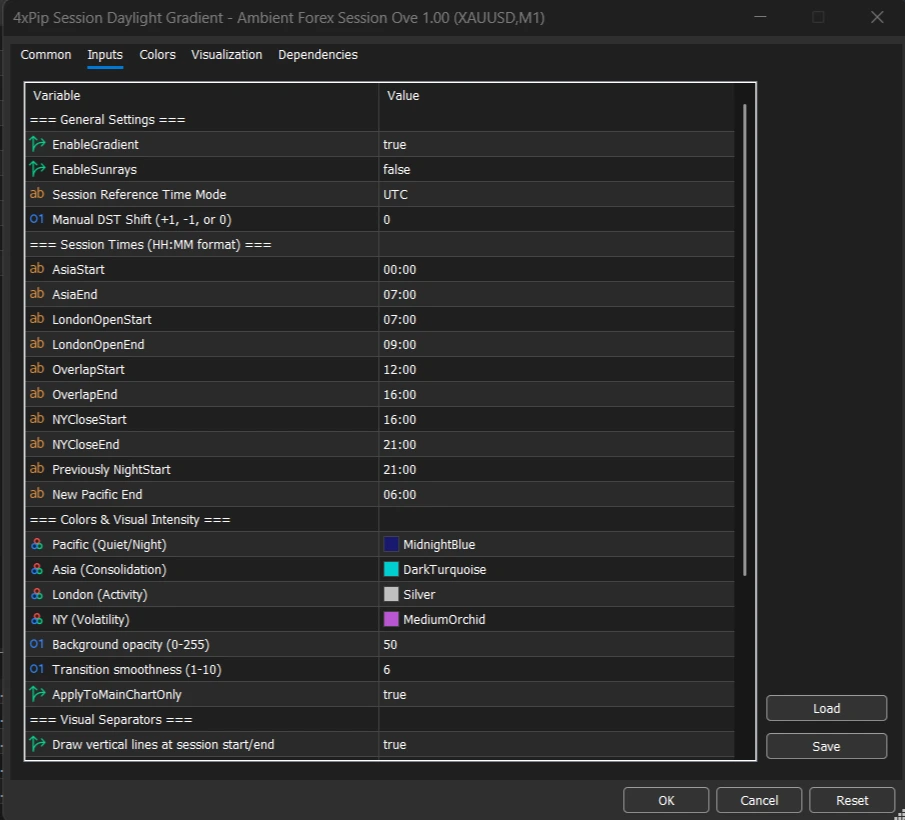
Main Inputs
General Settings
* EnableGradient
* EnableSunrays
* SessionTimeMode (UTC / Broker / PC Local)
* ManualDSTShiftHours
Session Times (HH:MM)
* AsiaStart / AsiaEnd
* LondonOpenStart / LondonOpenEnd
* OverlapStart / OverlapEnd
* NYCloseStart / NYCloseEnd
* PacificStart / PacificEnd (wraps midnight)
Colors & Intensity
* PacificColor, AsiaColor, LondonColor, NYColor
* MaxOpacity
* SmoothingStrength
Visual Separators
* ShowSessionLines
* SessionLineColor, Style, Width
Sunrays
* SunrayTimes (e.g., `14:30; 16:00`)
* SunrayWidthMinutes
* SunrayOpacity
* SunrayColor
Performance Notes
The indicator draws chart objects only within the visible area plus a small buffer.
For very low timeframes with extensive visible history, reducing visible bars or disabling optional visuals can further enhance responsiveness.
Conclusion
Session Daylight Gradient – Ambient Forex Session Overlay for MT5 transforms session awareness into an intuitive, low-noise visual experience. By replacing heavy session boxes with a smooth, informative background gradient, it keeps traders aligned with market rhythm while preserving chart clarity. Ideal for price-action traders, intraday strategists, and anyone who values context without clutter.
DOWNLOAD NOW Reach Us on WhatsApp
 Fly Over to Telegram
 Drop Us an Email
FAQ's
Q & A
Related products
-
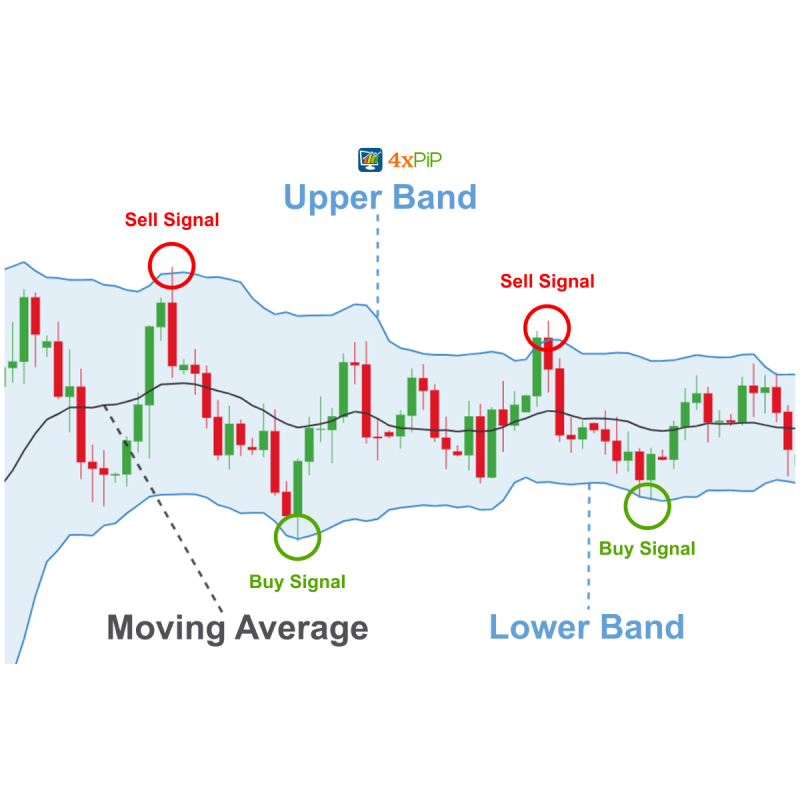 Free
FreeMT5 EA Bollinger Band
Original price was: $100.00.$20.00Current price is: $20.00. Select options -
 Free
FreeMT5 Indicator MTF bar detector
$0.00 Select options -
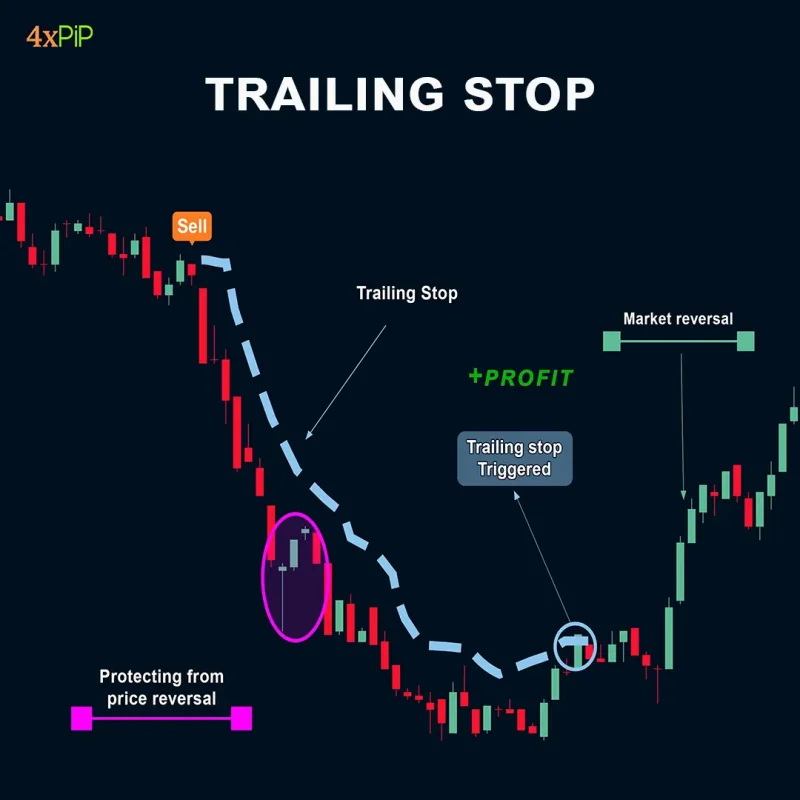 Premium
MT5 Trailing Stop EA
Original price was: $99.00.$10.00Current price is: $10.00. Select options -
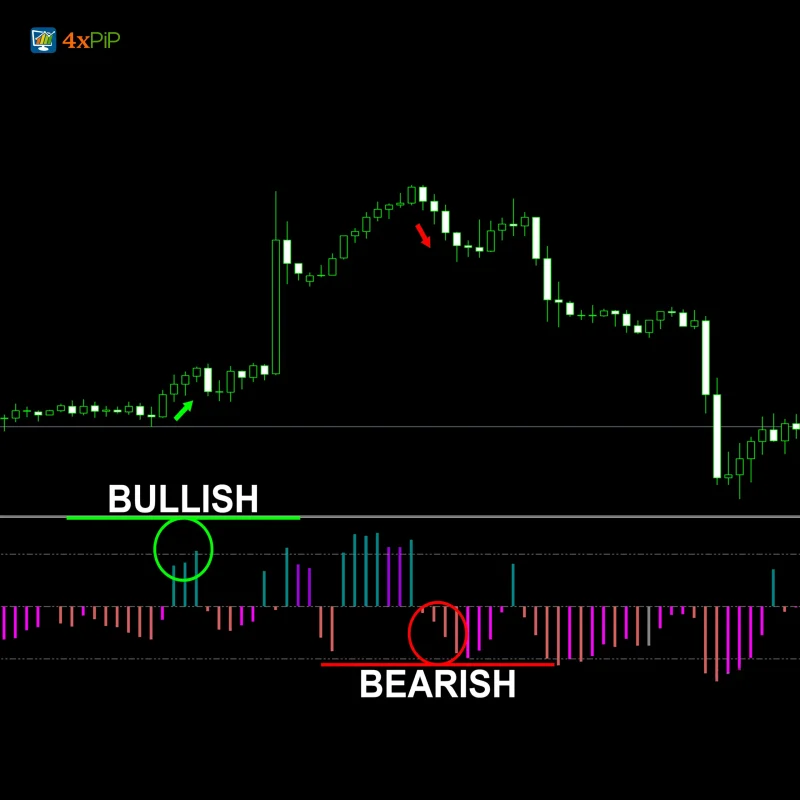 Free
FreeMT5 MACD Explained Indicator
$0.00 Select options
Reviews
There are no reviews yet