
Keltner Channel – Best Keltner Channel MT4 MetaTrader 4 Indicator FREE Download
$0.00
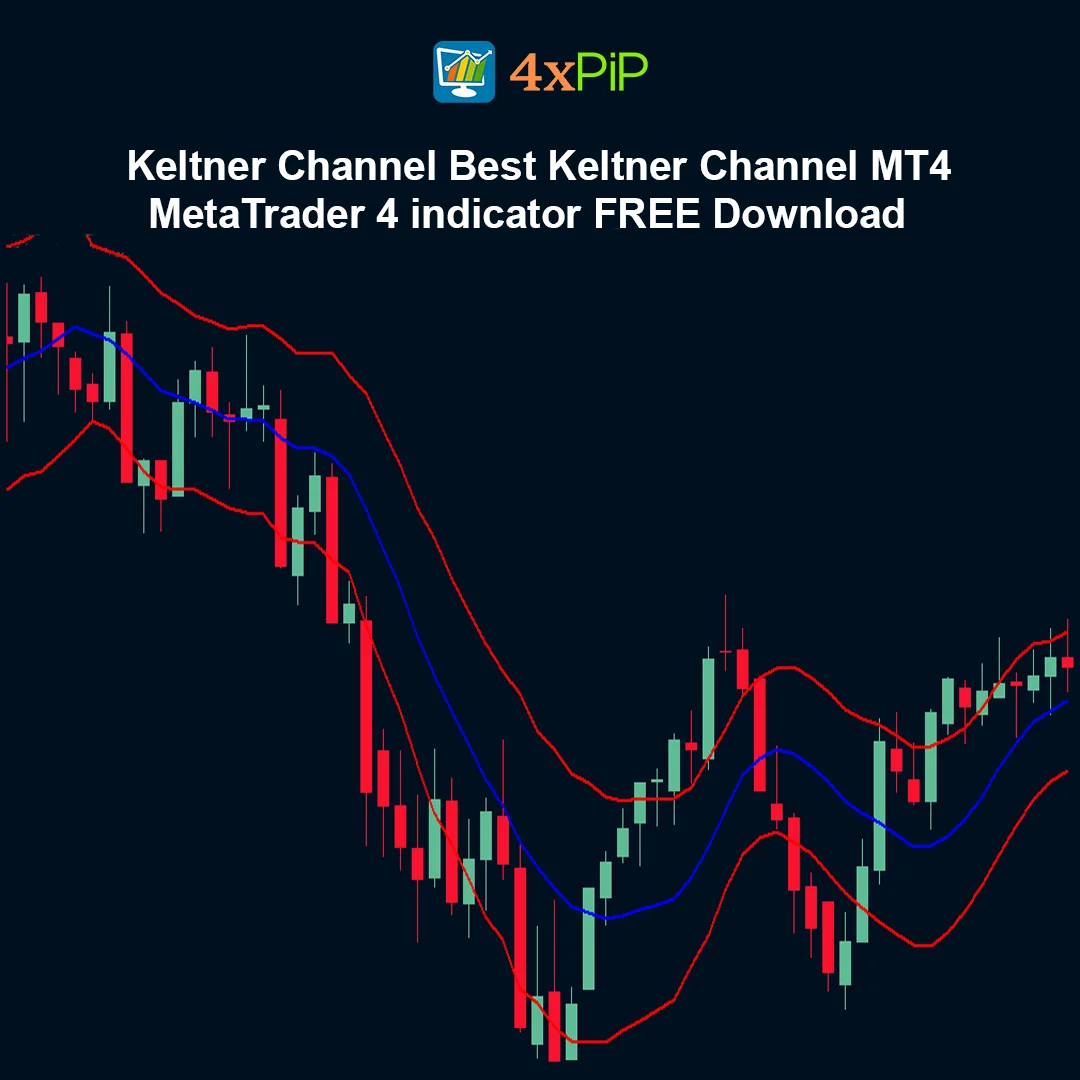
The Keltner Channel is a popular volatility-based indicator designed to help traders analyze trend direction, market volatility, and potential breakout opportunities. This indicator for MetaTrader 4 displays a price channel around the market using a moving average and volatility measurements.
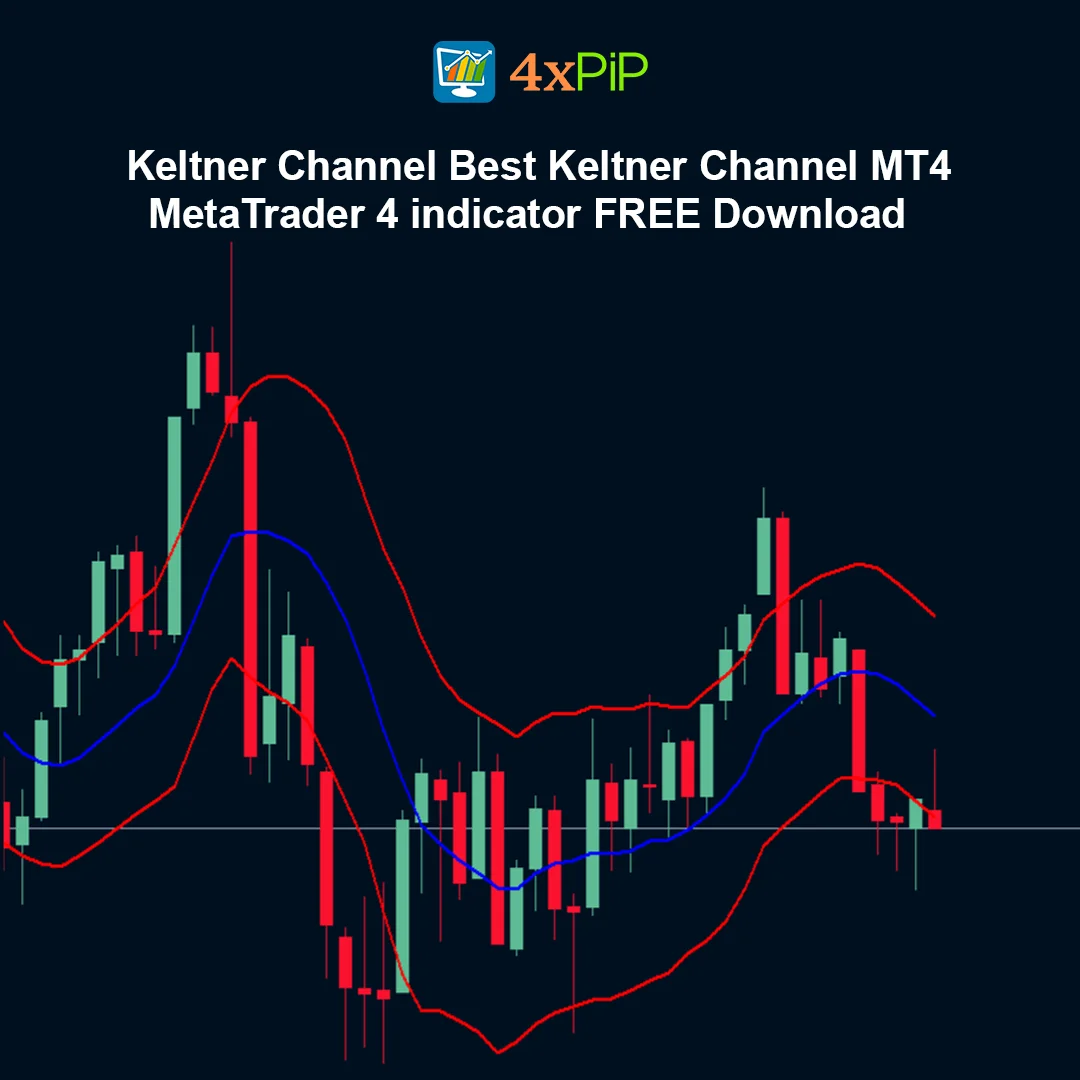
The Keltner Channel consists of three lines: a middle moving average line and two outer bands that form the channel boundaries. These bands expand and contract depending on market volatility, allowing traders to identify periods of strong momentum or consolidation.
Because of its ability to highlight dynamic support and resistance levels, the Keltner Channel is widely used in trend-following and breakout trading strategies across many financial markets.
Description
What is the Keltner Channel indicator?
The Keltner Channel is a technical analysis indicator that creates a volatility-based channel around price movements. It helps traders identify trends, measure volatility, and locate potential breakout levels.
Who developed the Keltner Channel?
The Keltner Channel was originally introduced by Chester W. Keltner. The modern version commonly used today incorporates moving averages and the Average True Range (ATR) to improve volatility measurement.
How does the Keltner Channel work?
The indicator calculates a central moving average and then plots upper and lower bands based on the Average True Range. These bands expand during volatile market conditions and contract during calmer market periods.
What do the channel bands represent?
The upper band acts as a potential resistance level where price may face selling pressure, while the lower band acts as a potential support level where buying pressure may occur.
Why do traders use the Keltner Channel?
Traders use the Keltner Channel to identify trends, detect breakout opportunities, and analyze market volatility. It also helps highlight dynamic support and resistance zones.
Who can use this indicator?
Both beginner and experienced traders can use the Keltner Channel to improve their market analysis and trading decisions.
Advantages
- Helps identify market trends clearly.
- Measures price volatility effectively.
- Provides dynamic support and resistance levels.
- Useful for breakout and trend-following strategies.
- Easy to understand and apply.
- Works across multiple financial markets.
- Compatible with all MetaTrader 4 timeframes.
- Can be combined with other technical indicators.
- Provides clear visual price channels.
- Completely free indicator for MetaTrader 4 users.
Features
- Classic Keltner Channel calculation method.
- Displays upper, middle, and lower channel lines.
- Uses moving averages and ATR-based volatility.
- Automatically adjusts to changing market conditions.
- Works on all chart timeframes.
- Compatible with all trading instruments in MetaTrader 4.
- Lightweight and optimized for smooth platform performance.
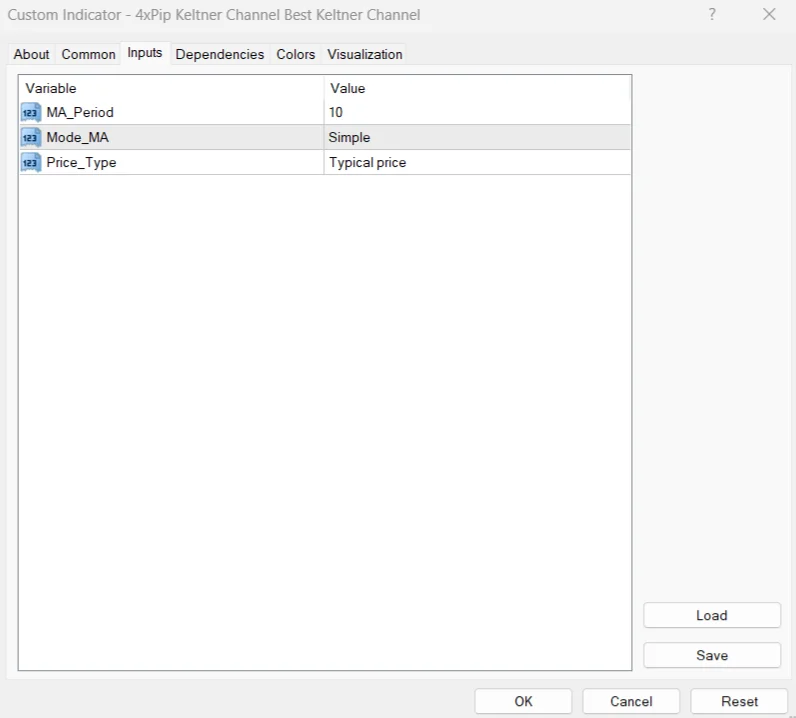
- Customizable parameters for flexible analysis.
- Clear visual representation of price volatility.
- Suitable for both manual and automated trading strategies.
How to Trade
The Keltner Channel indicator is commonly used to analyze trend strength and identify potential breakout opportunities. When the price moves near or above the upper channel band, it may indicate strong bullish momentum and traders may look for buying opportunities during pullbacks. When the price moves near or below the lower band, it may signal bearish momentum and traders may consider selling opportunities. Breakouts beyond the channel bands can indicate strong market moves, especially when accompanied by increasing volatility. Many traders combine the Keltner Channel with other indicators such as momentum oscillators, moving averages, or support and resistance analysis to confirm trading signals.
Formula
The Keltner Channel is calculated using the following structure:
Middle Line = Exponential Moving Average (EMA)
Upper Band = EMA + (ATR × Multiplier)
Lower Band = EMA − (ATR × Multiplier)
Where:
- EMA — Exponential Moving Average of price
- ATR — Average True Range used to measure volatility
- Multiplier — Adjustable value that determines the channel width
Conclusion
The Keltner Channel is a reliable volatility-based indicator that helps traders analyze market trends and identify breakout opportunities. By creating a dynamic price channel around market movements, it provides a clear visual representation of volatility and support or resistance levels. When used together with other technical analysis tools, the Keltner Channel can become an effective component of a MetaTrader 4 trading strategy.
DOWNLOAD NOW Reach Us on WhatsApp
 Fly Over to Telegram
 Drop Us an Email
FAQ's
Q & A
Related products
-
 Free
FreeMT4 Chandelier Exit Indicator
$0.00 Select options -
 Free
FreeAuto Risk-Based Lot for MT4 EA
Original price was: $100.00.$30.00Current price is: $30.00. Select options -
 Premium
MT4 BreakEven EA
Original price was: $99.00.$10.00Current price is: $10.00. Select options -
 Free
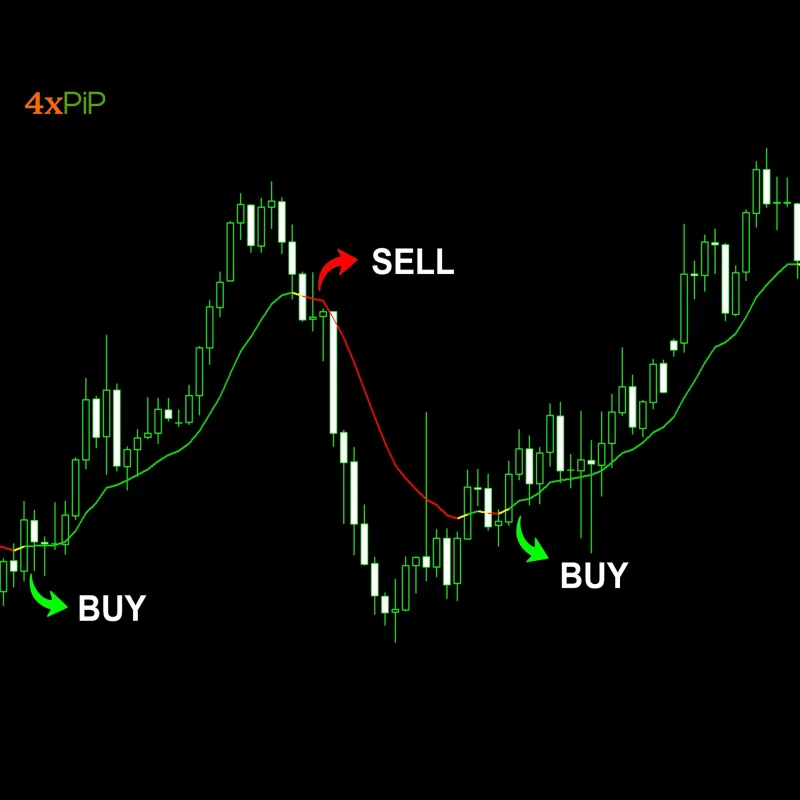
FreeMT4 Multicolor MA Indicator
$0.00 Select options
Reviews
There are no reviews yet