
Best MACD colored histogram indicator for MetaTrader 4 – FREE Download
$0.00
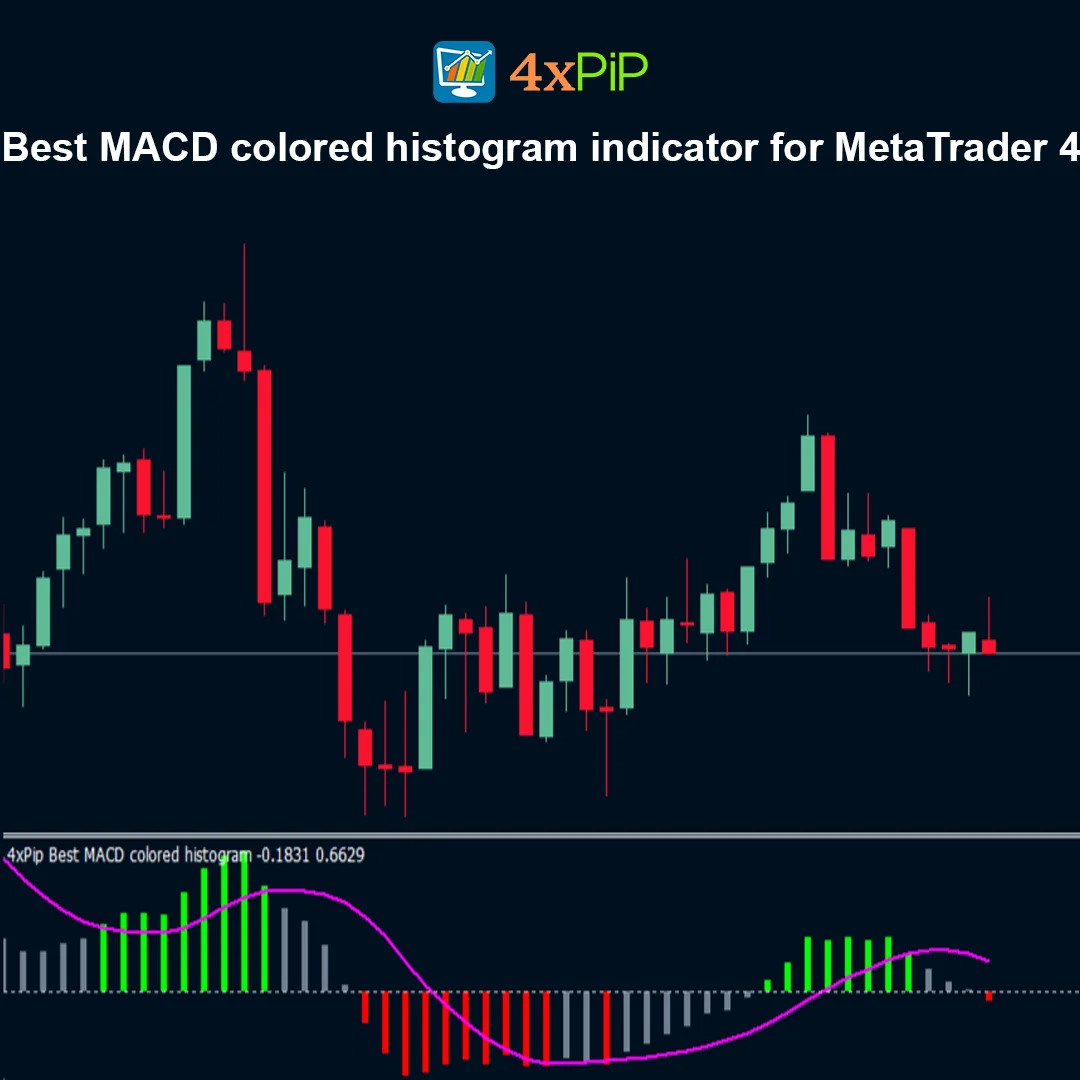
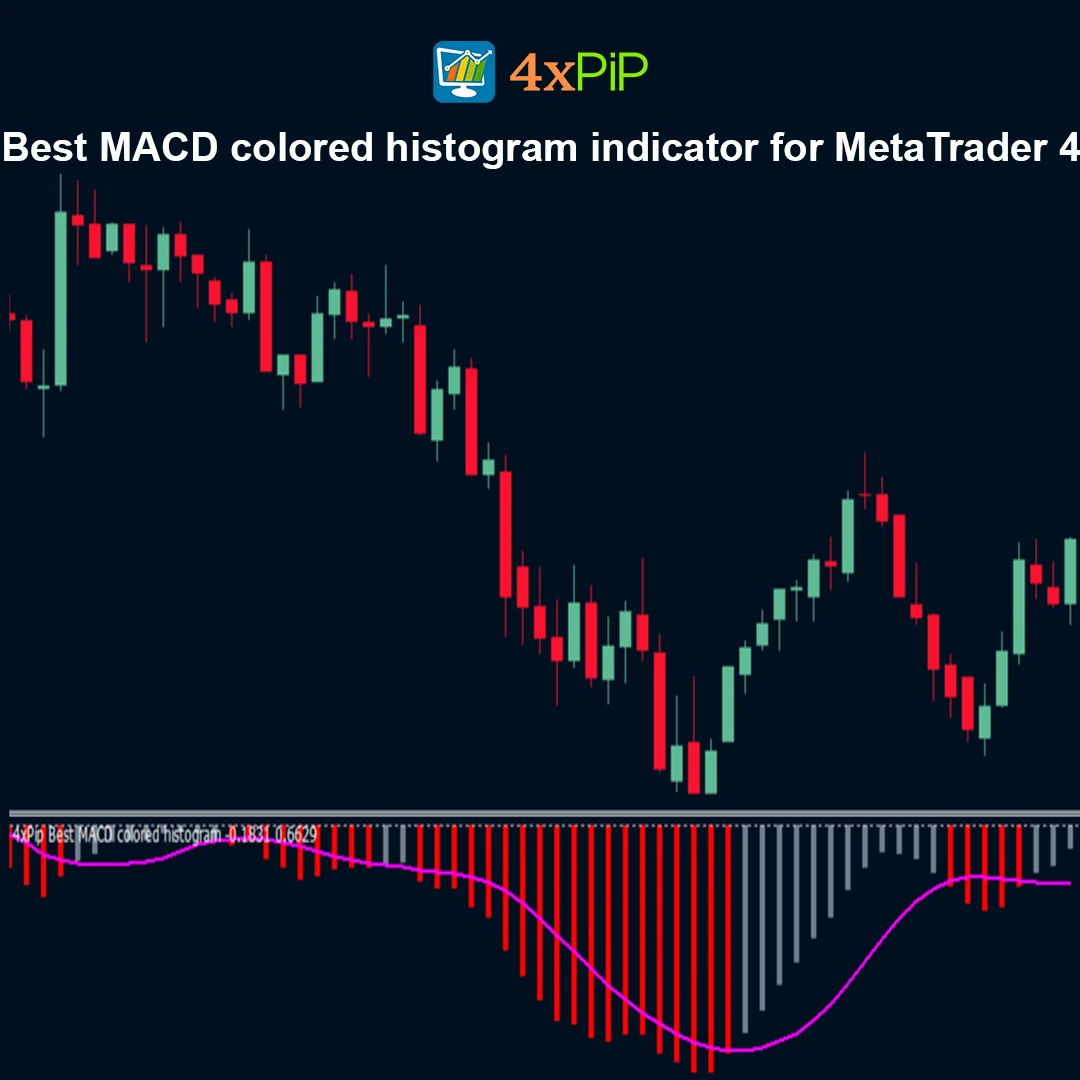
The MACD colored histogram indicators for MetaTrader 4 (MT4) are free tools that enhance visual momentum tracking by using color-coded histograms. These indicators provide clearer signals for trend direction, momentum strength, and potential reversals compared to the default MT4 MACD. Top options include Coloured MACD, MACD Color Histogram, MACD 4 Color Histogram, and MACD 6 Colors MTF, each offering unique color schemes and multi-timeframe capabilities.
Description
What is a MACD colored histogram indicator?
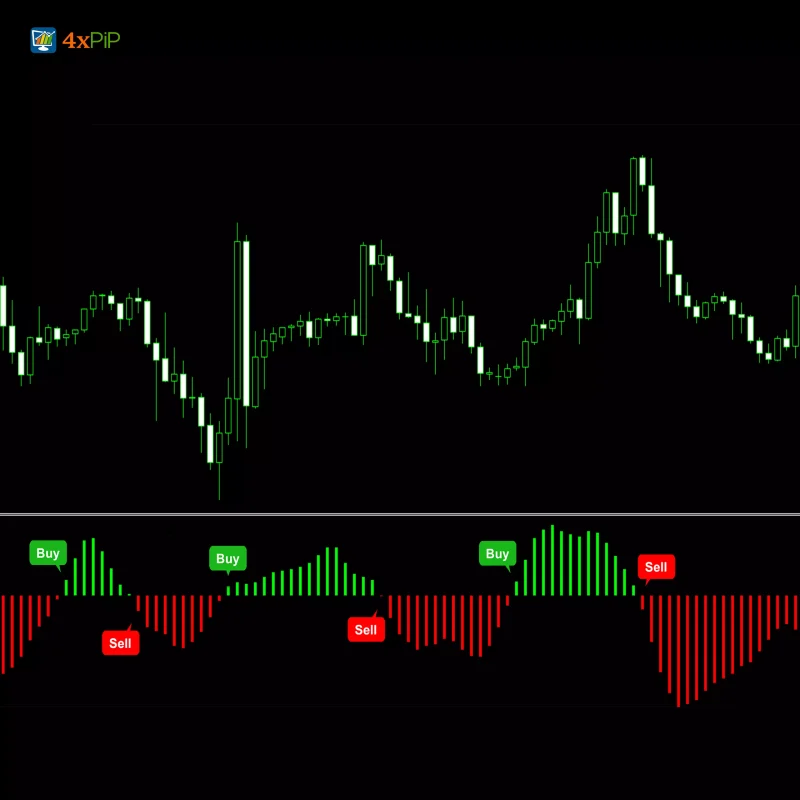
A MACD colored histogram indicator is an enhanced version of the standard MT4 MACD. It displays the histogram bars in different colors based on bullish/bearish momentum or trend strength, making it easier to identify trend changes, MACD line crossovers, and momentum accelerations.
Top Free MACD Colored Histogram Indicators for MT4
- Coloured MACD (MQL5): Uses lime-colored bars for bullish momentum and red bars for bearish momentum, with a white signal line for clarity.
- MACD Color Histogram (MQL5): Adds color-coding for momentum shifts, helping traders detect divergences and reversals.
- MACD 4 Color Histogram (MQL5): Offers four distinct colors to indicate accelerating vs. decelerating bullish or bearish momentum, enhancing trend visualization.
- MACD 6 Colors MTF (MQL5): A multi-timeframe version that allows complex color coding across different chart intervals.
Why use colored MACD histograms?
Colored MACD histograms help traders:
- Quickly assess trend direction and momentum strength.
- Identify bullish and bearish reversals more clearly.
- Detect momentum acceleration or deceleration.
- Receive visual cues for entry and exit points.
- Use multi-timeframe data for better trade confirmation.
Advantages
- Free MT4 MACD indicators.
- Enhanced visual trend and momentum tracking.
- Color-coded histograms improve signal clarity.
- Multi-timeframe (MTF) support on some indicators.
- Easy installation and configuration on MT4.
- Customizable EMA/SMA periods and input prices.
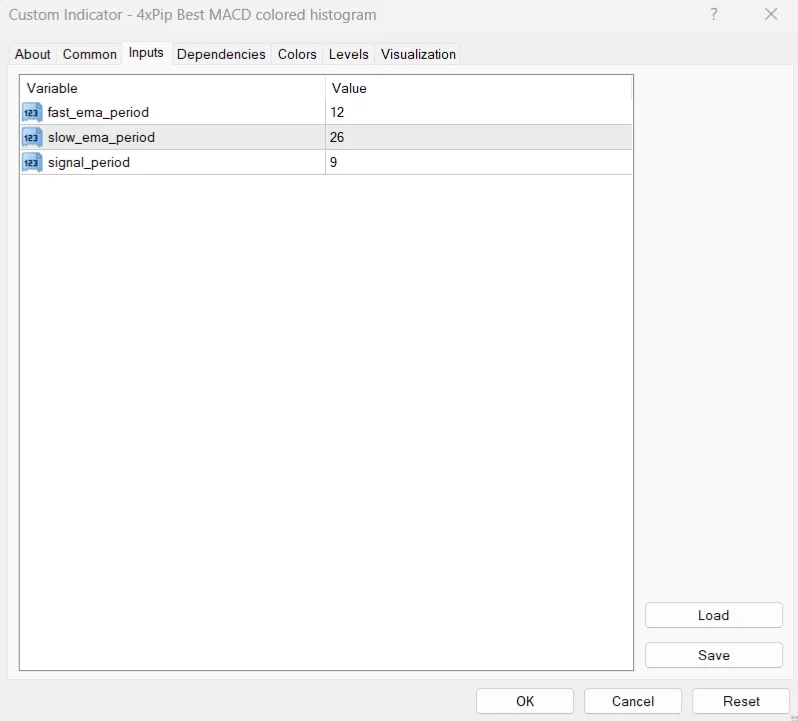
- Supports standard (12, 26, 9) and scalping settings (e.g., 3-10-16).
- Helps identify trend reversals and entry points.
- Works across Forex, indices, commodities, and crypto.
- Suitable for both beginners and professional traders.
Features
- Color-Coded Histogram: Bars change color based on bullish/bearish momentum or trend acceleration.
- Multi-Timeframe Support: Some versions support MTF analysis for broader market insight.
- Customizable Settings: Adjust EMA/SMA periods, input prices, and colors.
- Visual Trend Reversals: Clearly highlights momentum shifts and crossovers.
- Free download from MQL5 Market.
- Compatible with multiple instruments and chart timeframes.
- Easy-to-read histograms for quick trading decisions.
- Enhances standard MACD by adding color-coded visualization.
- Supports divergence detection (on select indicators).
- Alerts and visual cues for optimized trade timing.
How to Trade
- Download the desired MACD colored histogram (.mq4 or .ex4) from MQL5 Market or another source.
- Open MT4, go to File > Open Data Folder, and navigate to MQL4 > Indicators.
- Paste the downloaded file into the Indicators folder.
- Restart MT4 or refresh the Navigator panel to see the new indicator.
- Add the indicator to your chart.
- Observe histogram colors to determine momentum direction and trend strength.
- Use standard (12, 26, 9) or scalping (3, 10, 16) settings depending on your strategy.
- Combine with other indicators or price action for optimized entry/exit points.
Formula
The MACD histogram is calculated as:
MACD\ Histogram = MACD\ Line – Signal\ Line
Where:
- MACD Line = EMA(fast) − EMA(slow)
- Signal Line = EMA(MACD Line)
- Histogram Colors = Determined by whether bars are bullish/bearish or accelerating/decelerating.
Conclusion
The MACD colored histogram indicators for MT4 are essential tools for traders who want clear, visual momentum signals. By differentiating bullish and bearish trends through color-coded histograms, these free indicators help improve trend detection, entry/exit timing, and trade decisions. Multi-timeframe options and customizable settings make them ideal for both beginner and advanced traders.
DOWNLOAD NOW Reach Us on WhatsApp
 Fly Over to Telegram
 Drop Us an Email
Reviews
There are no reviews yet