MT4 indicators are tools used within MetaTrader 4 to analyze price data and support technical analysis. They help identify trends, momentum, volatility, and potential entry or exit points based on market behavior. When traders understand how to create MT4 indicators, they gain more control over how their strategy is interpreted and applied in live trading conditions.
Relying only on built-in indicators can limit flexibility, especially when a trader has a unique strategy that requires custom logic. That’s where developing MT4 indicators becomes practical. At 4xPip, we simplify this process by converting trading rules into functional tools without requiring programming knowledge. This guide will walk through the basics in a step-by-step way, helping beginners understand how to build indicators that align directly with their trading approach.
MT4 Indicators and Their Types
Custom indicators in MetaTrader 4 are tools built around a trader’s specific strategy, unlike built-in indicators that follow fixed formulas. When traders create MT4 indicators, the logic is fully aligned with their own trading rules, allowing more precise analysis. At 4xPip, we convert these rules into working tools using expert MQL4 programming, delivering the final indicator as an ex4 file while keeping the source code (mq4 file) secure and confidential.
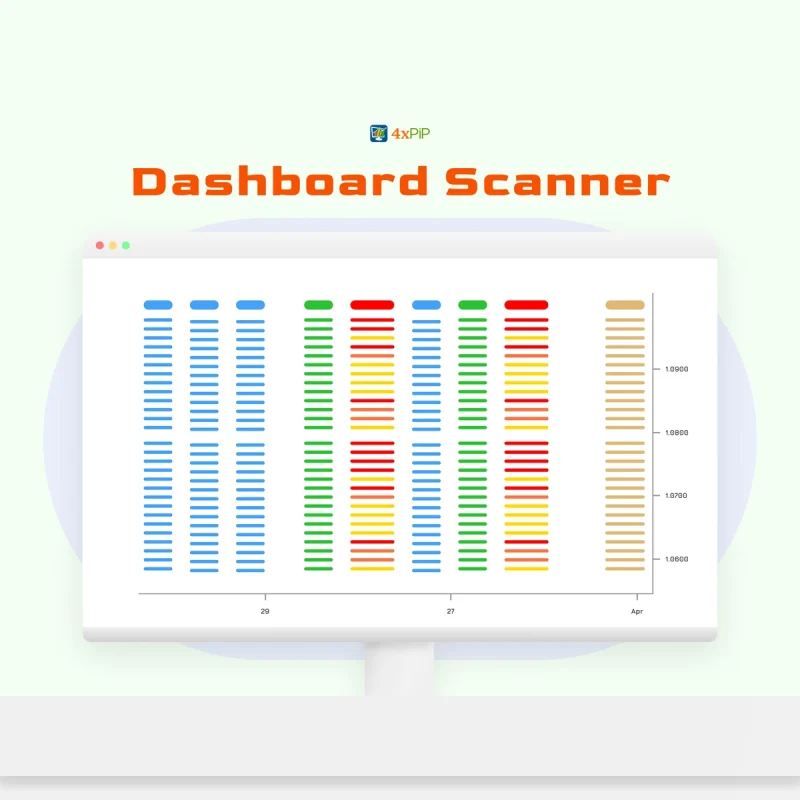
Common indicator types include trend indicators like Moving Averages that track direction, oscillators like RSI that measure overbought or oversold conditions, and volume-based indicators that reflect market activity. All indicators process price data such as open, high, low, and close values, then display outputs directly on charts as lines, histograms, or signals. While developing MT4 indicators, we ensure accurate data processing and can integrate custom logic, alerts, or dashboards, making the output clear, consistent, and aligned with real trading conditions.
Setting Up the MT4 Development Environment
To start developing MT4 indicators, traders need access to MetaEditor inside MetaTrader 4. This is the built-in development environment where indicator code is written, edited, and compiled. MetaEditor allows users to work with MQL4, the programming language specifically designed for creating indicators, scripts, and Expert Advisors. It handles everything from writing logic to generating the final ex4 file, which is the executable file used within the platform.
When creating a new indicator, MetaEditor provides a default template that includes predefined functions and structure. This template is where trading logic is added, defining how price data is processed and displayed. While beginners may find the structure technical, at 4xPip we simplify this step by handling the full MQL4 programming process, converting a trader’s strategy into an indicator without requiring coding knowledge, ensuring clean development and accurate output from the start.
Basics of MQL4 for Indicator Development
When learning how to create an MT4 indicator, understanding the basics of MQL4 is essential. It includes core programming elements like variables (to store data), data types (such as integers, doubles, and arrays), and functions (blocks of code that perform specific tasks). These components define how an indicator processes inputs and produces outputs. In MetaTrader 4, MQL4 acts as the backbone for building any custom tool, whether it’s a simple signal line or a complex multi-condition indicator.
Indicator execution relies on key event functions like OnInit (initial setup) and OnCalculate (runs calculations on price data). These functions process market inputs such as Open, High, Low, and Close values to generate visual outputs on charts. While this structure can become technical, at 4xPip we handle the full MQL4/MQL5 programming process, converting a trader’s strategy into accurate calculations and optimized logic, ensuring consistent results without requiring coding knowledge.
Creating a Simple Custom Indicator Step by Step
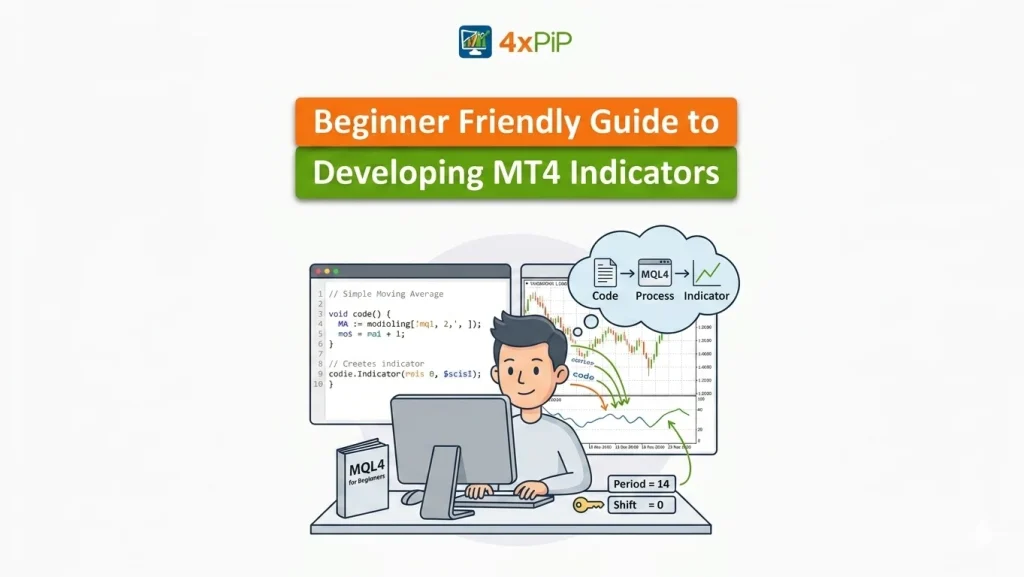
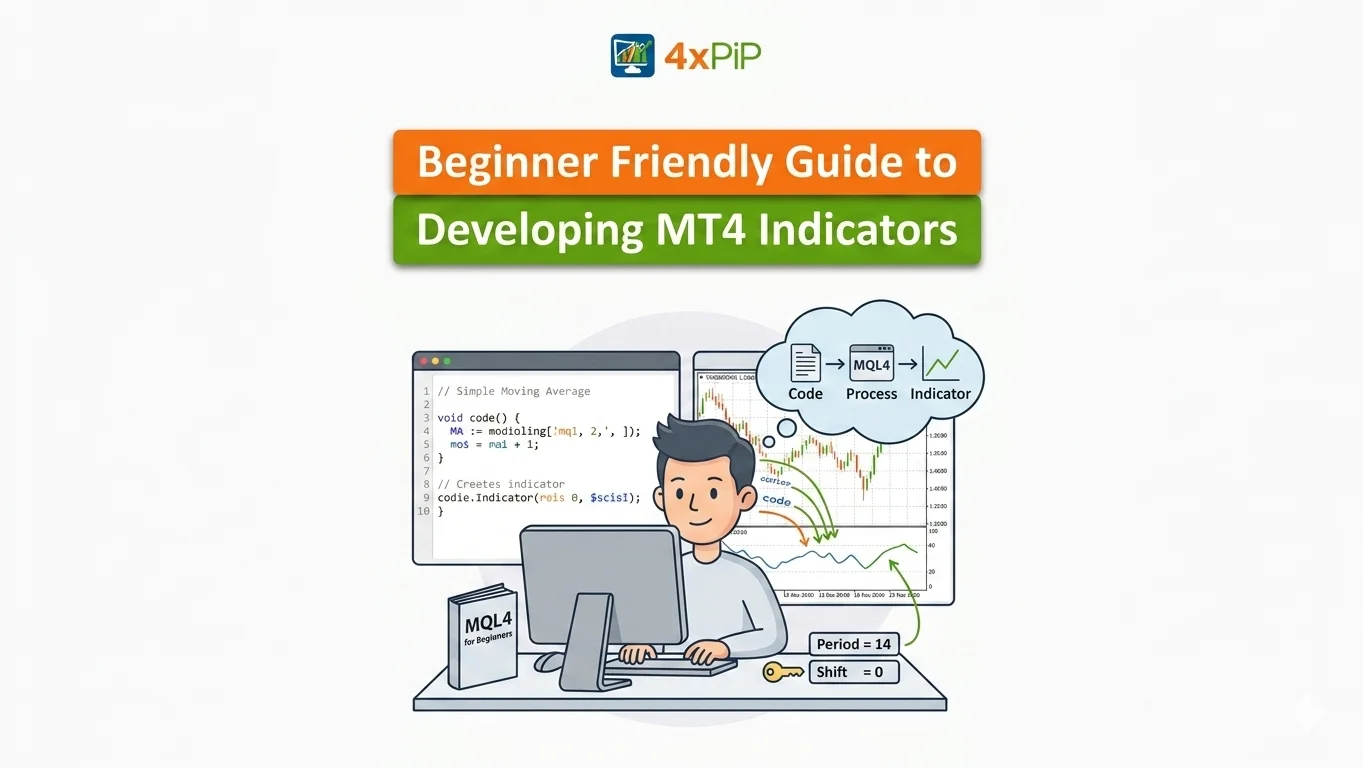
To create an MT4 indicator, a basic example like a moving average starts with defining clear logic, such as calculating the average price over a fixed number of candles. In MetaTrader 4, this logic is written in MQL4 and linked to indicator buffers, which store calculated values and display them on the chart. Buffers act as data arrays, allowing values to be plotted as lines or signals, making the output visually clear for decision-making.
After defining the logic and buffers, the code is compiled in MetaEditor to generate the ex4 file, which can then be attached to a chart for testing. This step ensures the indicator responds correctly to live price data. At 4xPip we handle full strategy conversion, turning trading rules into working indicators with proper buffers, visual outputs, and optimized performance, so traders can focus on refining their strategy instead of technical setup.
Testing, Debugging, and Improving Accuracy
When working to develop an MT4 indicator, errors can occur during compilation or runtime, such as incorrect variable usage, buffer misalignment, or faulty logic. In MetaTrader 4, these issues are identified through MetaEditor error logs and by observing how the indicator behaves on charts. Fixing them requires reviewing calculations, correcting syntax, and ensuring the strategy rules are properly translated into code.
To improve accuracy, indicators should be tested on historical data to evaluate performance across different market conditions. This helps identify false signals and refine logic before live use. At 4xPip, we apply backtesting & optimization to ensure indicators follow exact predefined rules without emotional influence, delivering consistent and reliable outputs while minimizing misleading signals.
Customizing and Enhancing Indicator Functionality
When traders develop an MT4 indicator, adding input parameters allows full control over settings like period length, calculation methods, or signal thresholds. In MetaTrader 4, these inputs make indicators flexible so users can adjust them based on market conditions without modifying the core code. Multiple indicator buffers can also be used to plot different values, improving clarity by displaying separate lines, zones, or signals directly on the chart.
Enhancing functionality goes beyond visuals by adding alerts, defining specific signal conditions, or combining multiple indicators into one system for better analysis. This improves decision-making by reducing noise and focusing on confirmed setups. At 4xPip, we integrate these advanced features through custom features like alerts, dashboards, and multi-strategy logic, ensuring each indicator aligns with the trader’s strategy while maintaining accuracy, usability, and performance.
Summary
Developing MT4 indicators allows traders to move beyond standard tools and build solutions that directly reflect their own trading strategies. By using MetaTrader 4 and its built-in MetaEditor, traders can create custom indicators with MQL4, defining how price data is processed and displayed. From understanding indicator types to setting up the development environment, learning basic MQL4 concepts, and building simple indicators, the process becomes structured and manageable even for beginners.
Testing and optimization play a critical role in ensuring indicators perform accurately under different market conditions, helping reduce false signals and improve reliability. Additionally, customization features such as input parameters, alerts, and multiple buffers enhance flexibility and usability. With professional support from 4xPip, traders can convert their strategies into fully functional, optimized indicators without dealing with the complexity of coding, allowing them to focus more on strategy execution and performance.
4xPip Email Address: [email protected]
4xPip Telegram: https://t.me/pip_4x
4xPip Whatsapp: https://api.whatsapp.com/send/?phone=18382131588
FAQs
- What is an MT4 indicator?
An MT4 indicator is a tool used in MetaTrader 4 to analyze price data and assist traders in identifying trends, momentum, and potential trade opportunities based on market behavior. - Why should I create a custom MT4 indicator?
Custom indicators allow traders to apply their own trading rules instead of relying on fixed built-in tools, providing more accurate and strategy-specific analysis. - What types of MT4 indicators are commonly used?
The most common types include trend indicators (like Moving Averages), oscillators (such as RSI), and volume-based indicators that measure market activity. - Do I need programming knowledge to develop MT4 indicators?
Basic knowledge of MQL4 is helpful, but services like 4xPip can handle the full development process, allowing traders to create indicators without coding experience. - What is MetaEditor in MetaTrader 4?
MetaEditor is the built-in development environment in MetaTrader 4 where traders write, edit, and compile MQL4 code to create indicators and other trading tools. - What is MQL4 and why is it important?
MQL4 is the programming language used in MetaTrader 4. It defines how indicators process price data and generate outputs on charts. - How does an MT4 indicator work internally?
An indicator processes price data such as open, high, low, and close values using programmed logic, then displays the results visually through lines, histograms, or signals. - What are indicator buffers in MT4?
Indicator buffers are data arrays that store calculated values and display them on charts, allowing traders to visualize indicator outputs clearly. - Why is testing important when developing indicators?
Testing helps identify errors, evaluate performance on historical data, and refine logic to reduce false signals before using the indicator in live trading. - How can I enhance the functionality of my MT4 indicator?
You can add input parameters, alerts, multiple buffers, and combine strategies to improve flexibility, usability, and overall trading decision-making.