Today, an AI Expert Advisor (EA) does not just mindlessly follow rigid rules, it leverages machine learning, dynamic pattern recognition, and complex algorithms to adapt to volatile markets. But even the smartest AI trading bot is only as good as its configuration. If you leave your bot on its default out of the box settings, you are leaving money on the table or worse, risking your hard-earned capital.
Optimizing your AI EA settings is the secret sauce to turning an average automated system into a precise, high-performing trading powerhouse. Whether you want to fine-tune your entry filters, minimize drawdowns, or maximize your profit factors, this comprehensive guide will walk you through everything you need to know.
If you are looking to take your automated trading to the next level, 4xPip ( forexpip )AI EA Optimization and Custom Programming Services are here to help you seamlessly convert your trading rules, optimize complex parameters, and build secure, elite-level EAs for MetaTrader 4 (MT4) and MetaTrader 5 (MT5).
Common Optimization Challenges and Best Practices
|
Challenge |
Impact on Trading |
Best Practice Solution |
|
Over-Optimization |
High backtest profits, major live losses |
Keep parameter ranges broad; perform strict Out-of-Sample testing. |
|
High Broker Latency |
Missed entries, heavy slippage |
Deploy your AI EA on a low-latency VPS (Virtual Private Server) close to your broker’s server. |
|
Unexpected News Spikes |
Blown accounts due to market gaps |
Optimize your EA’s built-in Economic News Filter settings. |
|
Code Fatigue & Bugs |
Platform crashes or missed trades |
Write clean, modular code or hire professional developers like 4xPip. |
Understanding AI EAs and the Importance of Optimization
An AI EA is an automated trading system that utilizes advanced algorithmic logic, data processing, and predictive models to scan the markets 24/7. Unlike traditional, static technical indicator bots, AI driven EAs can process massive volumes of market data, evaluate sentiment, and adjust to shifting volatility levels instantly.
However, because the financial markets are constantly evolving, a set of inputs that worked perfectly last month might result in losses today. This is where AI EA optimization comes into play. Optimization is the process of testing various parameter combinations, such as neural network weights, news filter sensitivities, lookback periods, and risk variables, against historical and live data to find the most profitable and stable configuration.
Advantages of Optimizing Your AI EA
- Adaptability: Helps your bot transition smoothly between trending markets and choppy, range-bound environments.
- Risk Mitigation: Pinpoints the exact stop loss, take profit, and trailing stop values required to protect your equity.
- Efficiency: Accelerates trade execution filters, ensuring the AI only triggers positions under high probability conditions.
The Downside of Poor Optimization
Without a careful approach, traders often fall into the trap of over-optimization (curve fitting). This happens when a bot is tuned so perfectly to past data that it fails miserably in live trading because it cannot handle real-world randomness.
Pro Tip from 4xPip: The goal of optimization is not to achieve a 100% win rate on past data. The goal is to build a robust, flexible system that handles future market uncertainty with discipline.
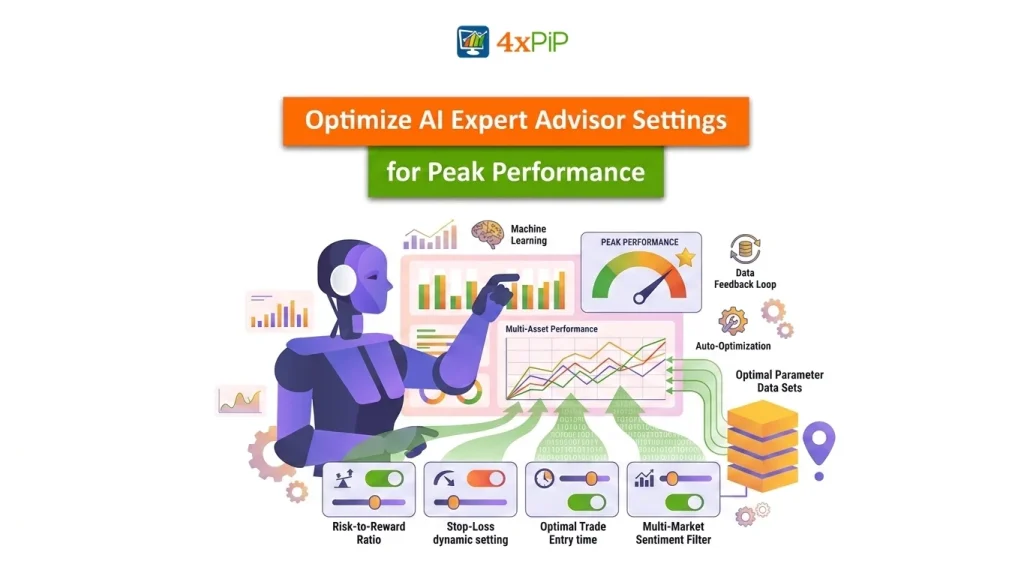
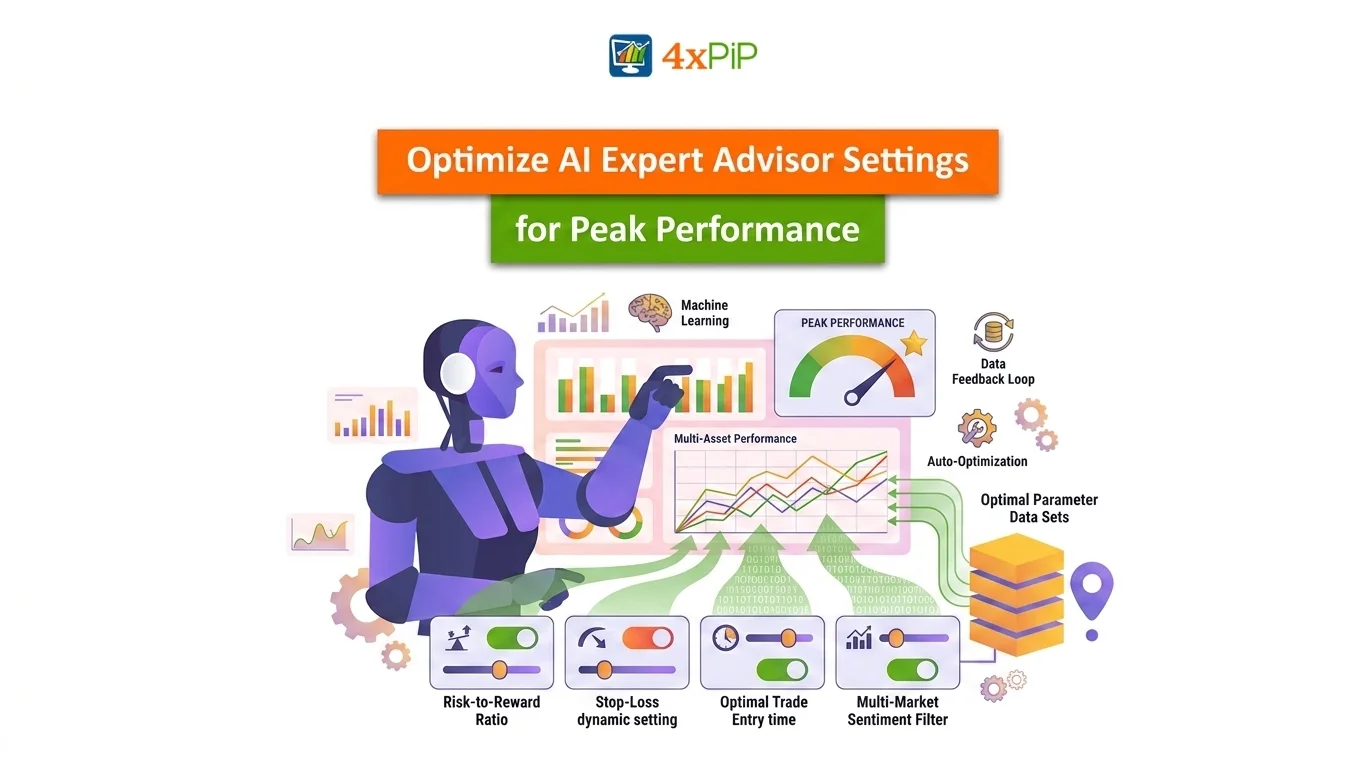
Key Components and Settings to Optimize in an AI EA
To get the best performance out of your trading robot, you need to understand the main adjustable variables inside its setting dashboard.
- Controls how fast the AI updates its predictive models based on new price data.
- Determines how many historical bars or candles the AI reviews to identify recurring market structures.
- The percentage of certainty the AI model must achieve before sending a buy or sell order (e.g., only execute trades with a >75% probability score).
- Automatically adjusts your position sizes based on current account balance or market volatility.
- Setting these as static points or dynamic, ATR-based (Average True Range) values.
- A hard equity stop mechanism that shuts down the bot temporarily if a specific loss limit is hit.
- Prevents the EA from taking trades during illiquid market openings or heavy news releases when spreads widen.
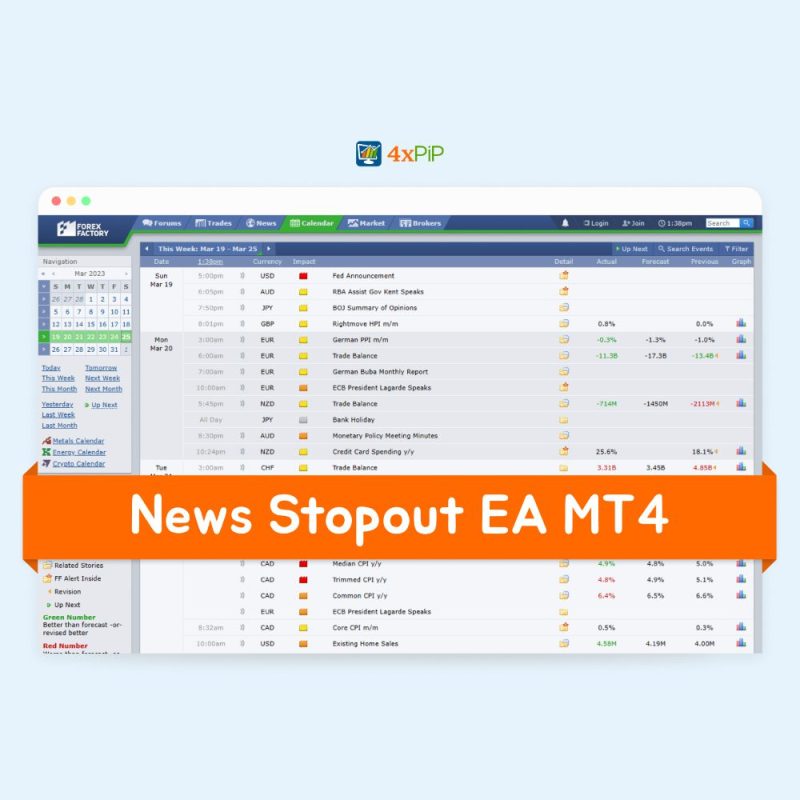
- Integrates an economic calendar to stop trading a specific number of minutes before and after high-impact USD, EUR, or GBP news events.
- Through the deep expertise of 4xPip’s Custom EA Development Team, we can build custom dashboards and clear parameter inputs directly into your .ex4 or .ex5 files, making it incredibly easy for you to adjust and optimize these settings on the fly.
Step by Step Guide to Optimizing Your AI EA Settings
Optimizing your AI EA requires a methodical approach. Follow these industry-standard steps to ensure a reliable outcome:
[Requirement & Input Strategy] ➔ [Historical Backtesting] ➔ [Parameter Optimization] ➔ [Walk-Forward Analysis] ➔ [Demo Forward Testing]
Step 1: Gather High Quality Historical Data
Before clicking “Start” on your MetaTrader Strategy Tester, you need high quality data. Standard broker data often has gaps. Use 99.9% tick data quality to ensure that your backtesting simulates real market conditions down to the millisecond.
Step 2: Run a Baseline Backtest
Test your AI EA using its default factory settings over a set period (e.g., the last 2 to 3 years). Note down the win rate, total profit, profit factor, and maximum drawdown percentage. This is your control group.
Step 3: Run the Genetic Optimization Algorithm
In MT4 or MT5, enable the “Optimization” checkbox. Select specific variables you want to optimize, such as your AI confidence threshold or your trailing stop distance. Use the Genetic Algorithm setting to save time, as it intelligently skips unprofitable parameter combinations.
Step 4: Perform Walk Forward Analysis (WFA)
To beat curve-fitting, split your historical data into two segments: In-Sample (IS) data and Out-of-Sample (OOS) data. Optimize the settings on the In-Sample data, and then immediately test those exact optimized settings on the Out-of-Sample data. If the bot performs well on data it has never seen before, your optimization is robust!
Step 5: Live Demo Account Testing
Never deploy newly optimized settings directly to a live, funded account. Run the bot on a demo account for at least 2 to 4 weeks to observe how it handles live latency, execution speeds, and broker slippage.
Why Work with 4xPip for Your AI EA Optimization?
Fine-tuning algorithmic scripts and programming custom inputs can quickly become overwhelming if you don’t have a background in coding. That is exactly where 4xPip ( forexpip ) steps in.
We act as your technical partner. Our expert team specializes in MQL4, MQL5, and Python integration, building highly adaptable AI Expert Advisors complete with clean parameter inputs, user-friendly dashboards, built-in risk protection modules, and licensing infrastructure.
When you share your trading strategy or automated logic with us, we convert it into a highly secure, compiled format (.ex4/.ex5), ensuring your intellectual property and trading strategies remain 100% confidential. We don’t just build code; we help you construct sustainable, long term trading systems.
Summary
Optimizing your AI EA settings is a vital process that bridges the gap between a theoretical trading strategy and a highly profitable live trading account. By carefully adjusting your neural network parameters, locking down your risk profiles, filtering out high impact news, and executing strict walk-forward testing, you dramatically increase your odds of market success.
Are you ready to optimize your current setup or build a brand-new custom AI trading bot? Get in touch with the 4xPip team today to make your trading vision a reality!
- 4xPip Email Address: [email protected]
- 4xPip Telegram: https://t.me/pip_4x
- 4xPip WhatsApp: +1 (838) 213-1588
FAQs
1. What does optimizing an AI EA actually mean?
Optimizing an AI EA involves adjusting its internal settings (like indicator periods, risk management rules, and machine learning thresholds) across historical market data to find the combination that provides the best balance of high returns and low drawdowns.
2. How often should I optimize my AI EA settings?
Markets change constantly. As a best practice, you should evaluate your bot’s performance monthly and consider re-optimizing its settings every 3 to 6 months, or whenever there is a major structural shift in market volatility.
3. What is over optimization or curve-fitting?
Over-optimization occurs when a trading bot’s settings are tuned so specifically to past historical data that it memorizes the past perfectly. While it looks incredible in backtests, it usually loses money in live trading because it cannot adapt to new, unpredictable market movements.
4. Can I optimize my EA to completely avoid losses?
No. Losses are a natural part of trading. A good optimization process aims to maximize your overall net profit factor and control the maximum drawdown, ensuring your wins significantly outweigh your losses over the long term.
5. Why is a VPS important for running an optimized AI EA?
An optimized AI EA relies on precise entry execution. A Virtual Private Server (VPS) ensures your trading platform runs 24/7 with zero interruption and ultra-low latency, minimizing slippage and execution delays.
6. Does 4xPip help with optimizing pre-existing EAs?
Yes! If you have an existing trading robot or strategy, the 4xPip development team can update its logic, introduce new adjustable parameters, add advanced risk management features, and configure clean dashboards for easier optimization.
7. How does 4xPip keep my trading strategy confidential?
We take data security very seriously. 4xPip delivers your final Expert Advisor in compiled, locked formats (.ex4 or .ex5) and uses robust licensing systems, ensuring your proprietary source code and strategy remain entirely confidential.
8. What is the difference between optimizing a traditional EA and an AI-driven EA?
Traditional EAs rely on static technical indicators (like a moving average crossover), so optimization is limited to changing fixed numbers. AI EAs, however, use machine learning models and predictive thresholds. Optimizing an AI EA involves fine-tuning how the bot processes data, its learning rate, and its confidence scores, allowing it to adapt to changing market structures rather than just historical price points.
9. What is “Walk-Forward Analysis” and why is it crucial for AI settings?
Walk-Forward Analysis (WFA) is an advanced optimization technique where you test your settings on a slice of historical data (In-Sample), and then immediately test the best settings on the next chronological slice of unseen data (Out-of-Sample). Moving this window forward step-by-step ensures that your AI EA’s optimized settings possess true predictive power rather than just memorizing past market patterns.
10. Can 4xPip integrate custom indicators or news feeds into my current AI EA for better optimization?
Absolutely! If your current AI trading bot is missing vital filters, the 4xPip development team can modify your existing code to integrate real-time economic news calendars, custom market-sentiment indicators, or advanced spread filters. This expands your setting dashboard, giving you deeper parameters to optimize and better control over live market risks.