MetaTrader 4 (MT4) is one of the most widely used trading platforms for forex and CFD markets, where indicators play a key role in technical analysis. Indicators help traders interpret price action, identify trends, and make data-driven decisions instead of relying on guesswork. Whether it’s moving averages, RSI, or custom-built tools, indicators are essential for improving trading accuracy and consistency.
An MT4 indicator analyzes price data and transforms it into signals, visual tools, or conditions that support better decision-making. In this guide, we will walk through how to create an MT4 indicator step by step using beginner-friendly concepts. At 4xPip, we also align this process with real trading needs, where a Trader / EA owner can convert a Strategy into automated logic with support from our Programmer / Developer team, ensuring indicators and bots work effortlessly inside MetaTrader (MT4/MT5).
MT4 Indicators and Their Types
MT4 indicators are tools that process market data such as price, volume, and time to generate meaningful outputs like signals, lines, or histograms on charts. These outputs help a Trader / EA owner translate a raw Strategy into measurable conditions, making it easier to create MT4 indicator logic that can later be automated or integrated into a Bot / EA / Expert Advisor inside MetaTrader (MT4/MT5).
There are two main types of indicators: built-in indicators like Moving Average and RSI, and custom indicators developed for specific trading rules. Common categories include trend indicators (to identify direction), oscillators (to detect overbought/oversold levels), and volume-based indicators (to confirm strength). At 4xPip, we take this further by using MQL4/MQL5 Programming to convert any custom indicator logic into a working system, where our Programmer / Developer team ensures accurate Strategy Conversion and effortless compatibility with real trading conditions.
Setting Up the MT4 Development Environment
To create an MT4 indicator, the first step is setting up the development environment inside MetaTrader (MT4/MT5). You can open MetaEditor directly from MT4 by selecting it from the toolbar, which launches the coding workspace where indicators are built and compiled. MT4 indicators are written in MQL4 (MetaQuotes Language 4), a programming language designed specifically for trading logic, allowing a Trader / EA owner to convert a Strategy into coded rules within a source code (mq4 file).
Once created, indicator files are stored in the “Indicators” folder inside the MT4 directory, and after compilation, they generate an executable file (ex4 file) for use on charts. At 4xPip, we simplify this entire process through our MQL4/MQL5 Programming, where our Programmer / Developer team handles technical complexity and ensures proper file structuring, smooth deployment, and compatibility, so users can focus on strategy while we handle the development.
Creating a New Indicator File in MetaEditor
Open MetaEditor and use the built-in wizard by selecting “New” → “Custom Indicator,” then follow the prompts to define basic settings like name, parameters, and output buffers. Once generated, the system automatically creates the core structure, including functions like OnInit (initialization logic) and OnCalculate (where price data is processed). These components form the foundation where a Trader / EA owner converts a Strategy into actual indicator logic inside the source code (mq4 file).
After setup, the file should be named clearly based on its function and saved in the Indicators directory for easy management. Compiling the code generates the executable file (ex4 file), which can be directly applied to charts. As 4xPip, we simplify creating MT4 indicators by handling Strategy Conversion through our Programmer / Developer team, ensuring clean code structure, proper naming, and efficient deployment so the indicator integrates smoothly with any Bot / EA / Expert Advisor workflow.
Writing Basic Indicator Logic in MQL4
To create MT4 indicator logic, MQL4 provides direct access to market data through arrays like Open[], Close[], High[], and Low[], which store historical price values. These arrays allow a Trader / EA owner to define precise conditions based on a Strategy, such as comparing closing prices or identifying highs and lows over a period. Indicator buffers are then defined to store calculated values, which are assigned and plotted on the chart to visually represent signals or trends.
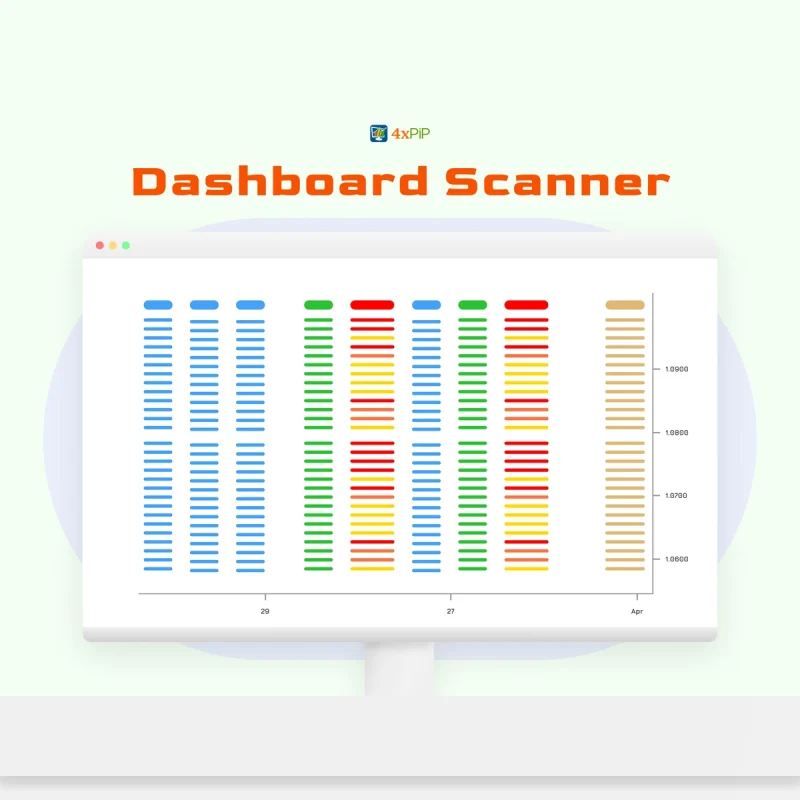
A simple example includes calculating a moving average by summing closing prices over a fixed period and dividing by the number of candles, then assigning that value to a buffer for display. This same logic can be extended to price differences, crossovers, or custom conditions. As 4xPip, we enhance creating MT4 indicators by handling complex MQL4/MQL5 Programming, where our Programmer / Developer team converts advanced strategies into optimized logic with Custom Features like alerts, dashboards, or multi-condition outputs, ensuring accurate execution and effortless integration with any Bot / EA / Expert Advisor.
Compiling, Testing, and Debugging the Indicator
After writing the code, the next step in how to create the MT4 indicator is compiling the source code (mq4 file) inside MetaEditor. This process checks for syntax errors and warnings, which must be resolved before generating the executable file (ex4 file). Once compiled successfully, the indicator can be attached to a chart in MetaTrader (MT4/MT5) by selecting it from the Indicators list, allowing a Trader / EA owner to visually verify if the Strategy logic is working as expected.
For debugging, basic techniques include using print statements to track variable values and reviewing logs in the Experts or Journal tabs to identify issues. Logical errors, such as incorrect conditions or buffer assignments, should be tested against different market scenarios. As 4xPip, we strengthen this stage through Backtesting & Optimization, where our Programmer / Developer team refines performance, fixes edge-case errors, and ensures the indicator logic aligns with real trading conditions before integrating it into a fully functional Bot / EA / Expert Advisor.
Customizing and Improving the Indicator
To create an MT4 indicator that is flexible, input parameters can be added so users can adjust settings like period, price type, or thresholds directly from the interface. This allows a Trader / EA owner to adapt a Strategy without modifying the source code (mq4 file). Visualization can also be improved by customizing colors, line styles, and using multiple buffers to display different conditions clearly, making analysis easier to interpret on charts.
Further improvements include adding alerts, signal notifications, or combining multiple conditions for stronger confirmation. These enhancements turn a basic indicator into a decision-support tool that aligns with real trading workflows. As 4xPip, we extend how to create MT4 indicator by integrating advanced Custom Features like dashboards, multi-strategy logic, and alert systems through our MQL4/MQL5 Programming, ensuring every indicator can be scaled and later connected to a fully automated Bot / EA / Expert Advisor with consistent execution.
Summary
Creating an MT4 indicator involves transforming a trading strategy into logic using MQL4 within the MetaTrader environment. The process begins with understanding how indicators interpret market data such as price and time to generate meaningful signals. By setting up the development environment in MetaEditor, users can create a custom indicator file, define its structure, and begin coding logic using built-in arrays like Open, Close, High, and Low. These values are processed through indicator buffers, allowing results to be displayed visually on charts for analysis.
Once the logic is written, compiling, testing, and debugging ensure the indicator performs accurately under different market conditions. Enhancements such as adjustable parameters, improved visualization, and alert systems can turn a basic indicator into a powerful decision-support tool. With professional support like that offered by companies such as 4xPip, traders can further refine their indicators, integrate advanced features, and effortlessly connect them to automated trading systems, ensuring reliable performance in live trading environments.
4xPip Email Address: [email protected]
4xPip Telegram: https://t.me/pip_4x
4xPip Whatsapp: https://api.whatsapp.com/send/?phone=18382131588
FAQs
- What is an MT4 indicator?
An MT4 indicator is a tool used in MetaTrader 4 to analyze market data and generate signals, trends, or visual representations that help traders make informed decisions. - Do I need programming knowledge to create an MT4 indicator?
Basic knowledge of MQL4 is helpful, but beginners can start with simple logic. For complex strategies, professional developers can assist in converting ideas into working indicators. - What is MQL4 and why is it important?
MQL4 is the programming language used in MetaTrader 4 to build indicators, scripts, and automated trading systems. It allows traders to convert strategies into executable code. - Where are MT4 indicators stored after creation?
Indicators are saved in the “Indicators” folder within the MT4 directory, and after compilation, they are available as executable files for use on charts. - What are indicator buffers in MT4?
Indicator buffers are data storage areas used to hold calculated values, which are then plotted on charts as lines, histograms, or signals. - How can I test if my MT4 indicator is working correctly?
You can attach the indicator to a chart, observe its behavior, and use logs or print statements to verify calculations and identify any errors. - What is the difference between built-in and custom indicators?
Built-in indicators come pre-installed in MT4, while custom indicators are user-created to match specific trading strategies or conditions. - Can MT4 indicators be connected to automated trading systems?
Yes, indicators can be integrated with Expert Advisors (EAs) to automate trading decisions based on predefined conditions. - How can I improve my MT4 indicator?
You can enhance it by adding input parameters, alerts, better visualization, and combining multiple conditions for more accurate signals. - Is it possible to create advanced indicators without coding everything manually?
Yes, traders can use tools, templates, or professional services like 4xPip to develop advanced indicators with optimized performance and additional features without handling all the technical complexity themselves.